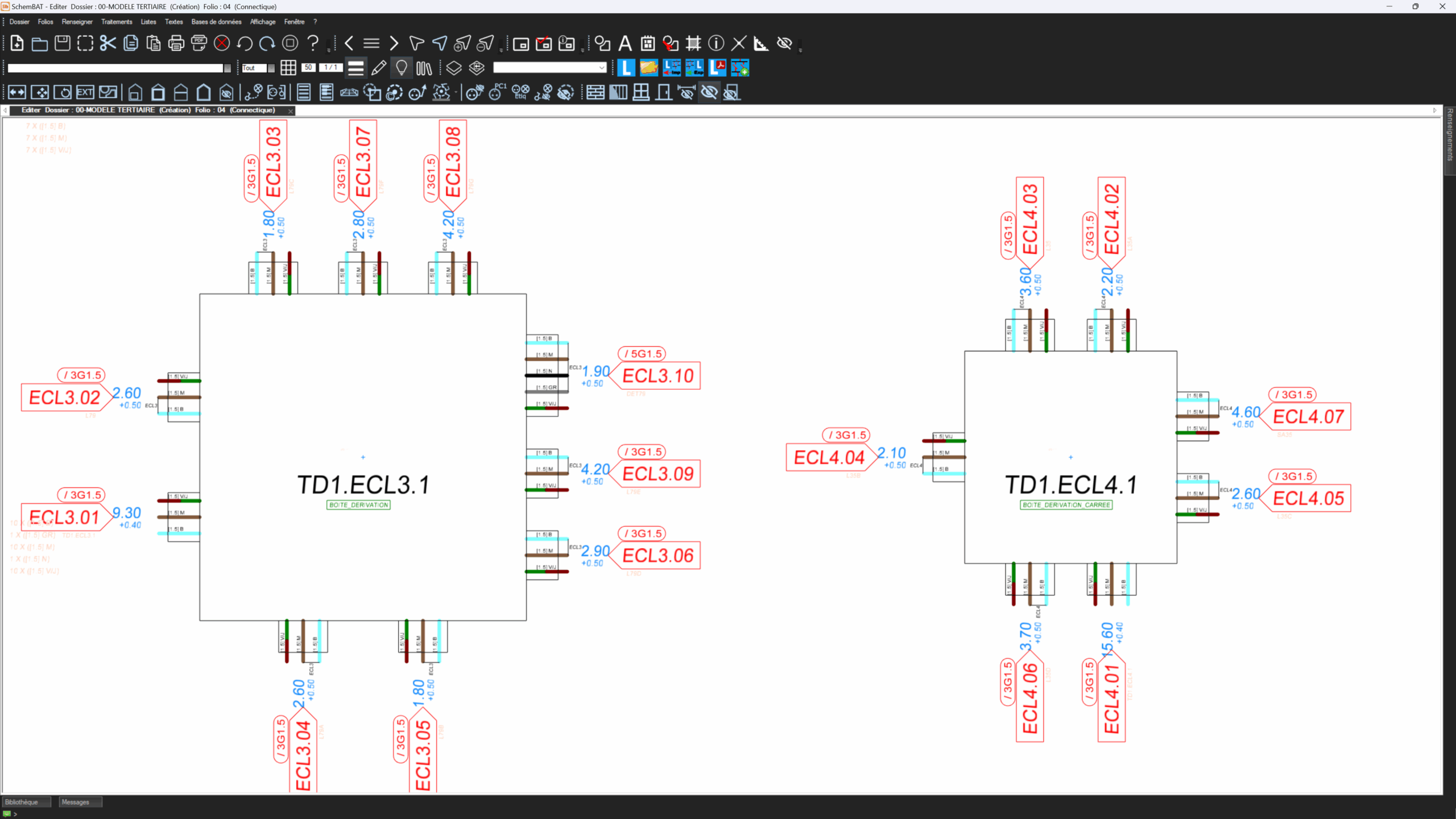

Home automation: create your KNX or MyHome™ octopus simply with SchemBAT

SchemBAT supports you in the design, study and complete manufacture of your home automation octopus.
The software meets the requirements of the intelligent home, whether for open or proprietary solutions.
It supports the KNX protocol, renowned for its multi-manufacturer compatibility.
It also manages home automation installations based on the proprietary MyHome™ format developed by Legrand™.
Home automation: create your KNX or MyHome™ octopus simply with SchemBAT

Home automation: simplified equipment layout and bus cabling with SchemBAT

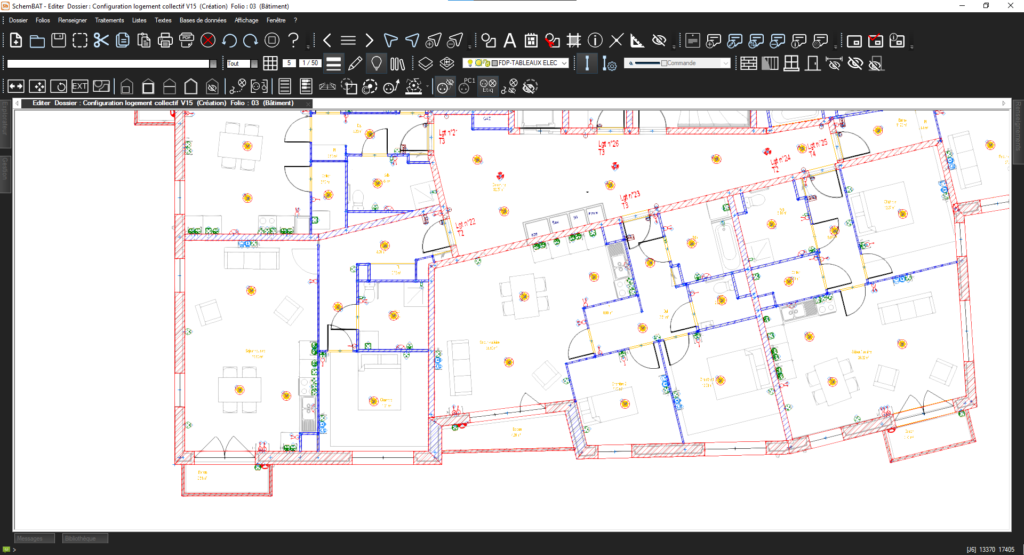
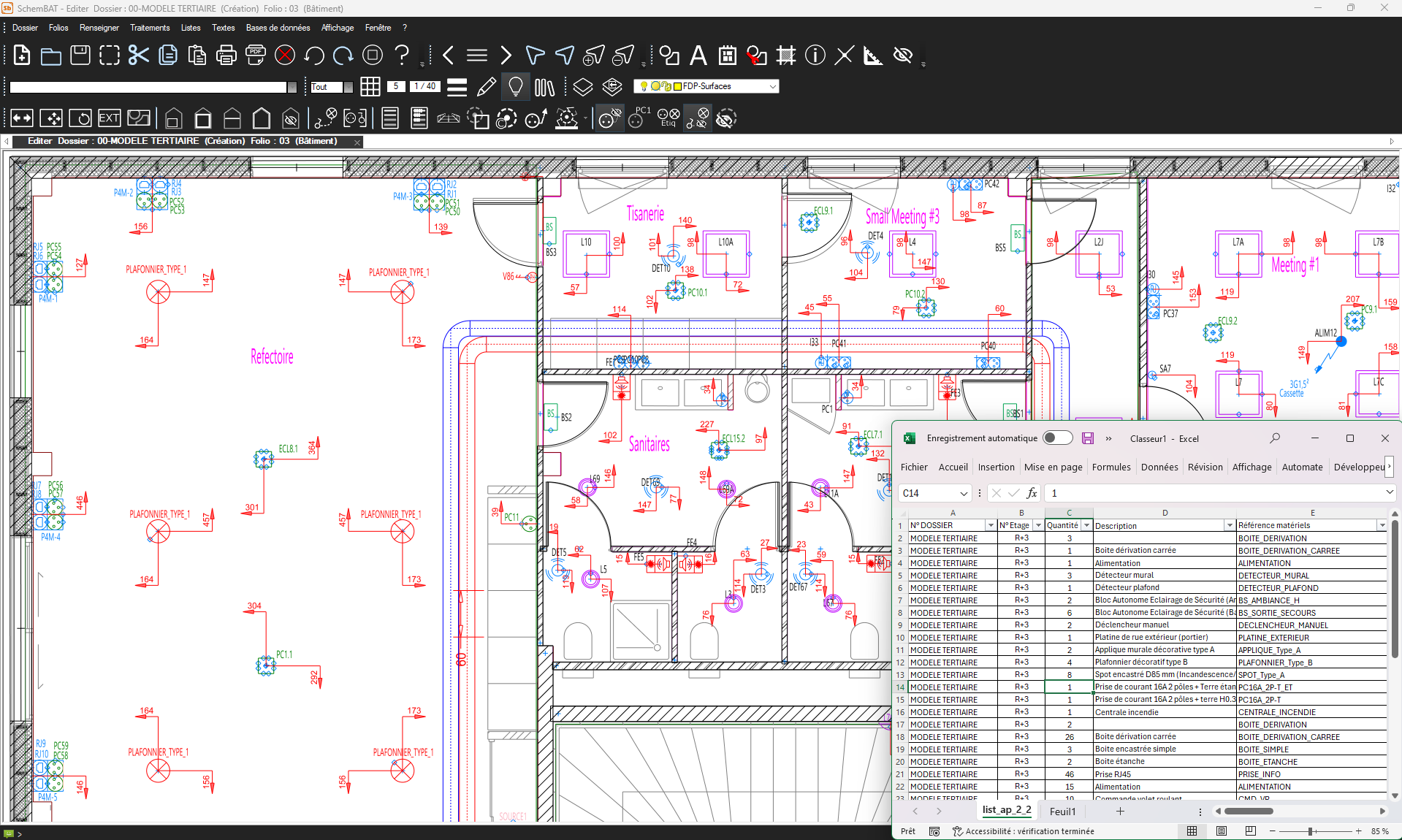
Initially, you import the architectural plans in AutoCAD™ format or from a scanned file.
SchemBAT integrates them into a dedicated layer, without altering their legibility or structure.
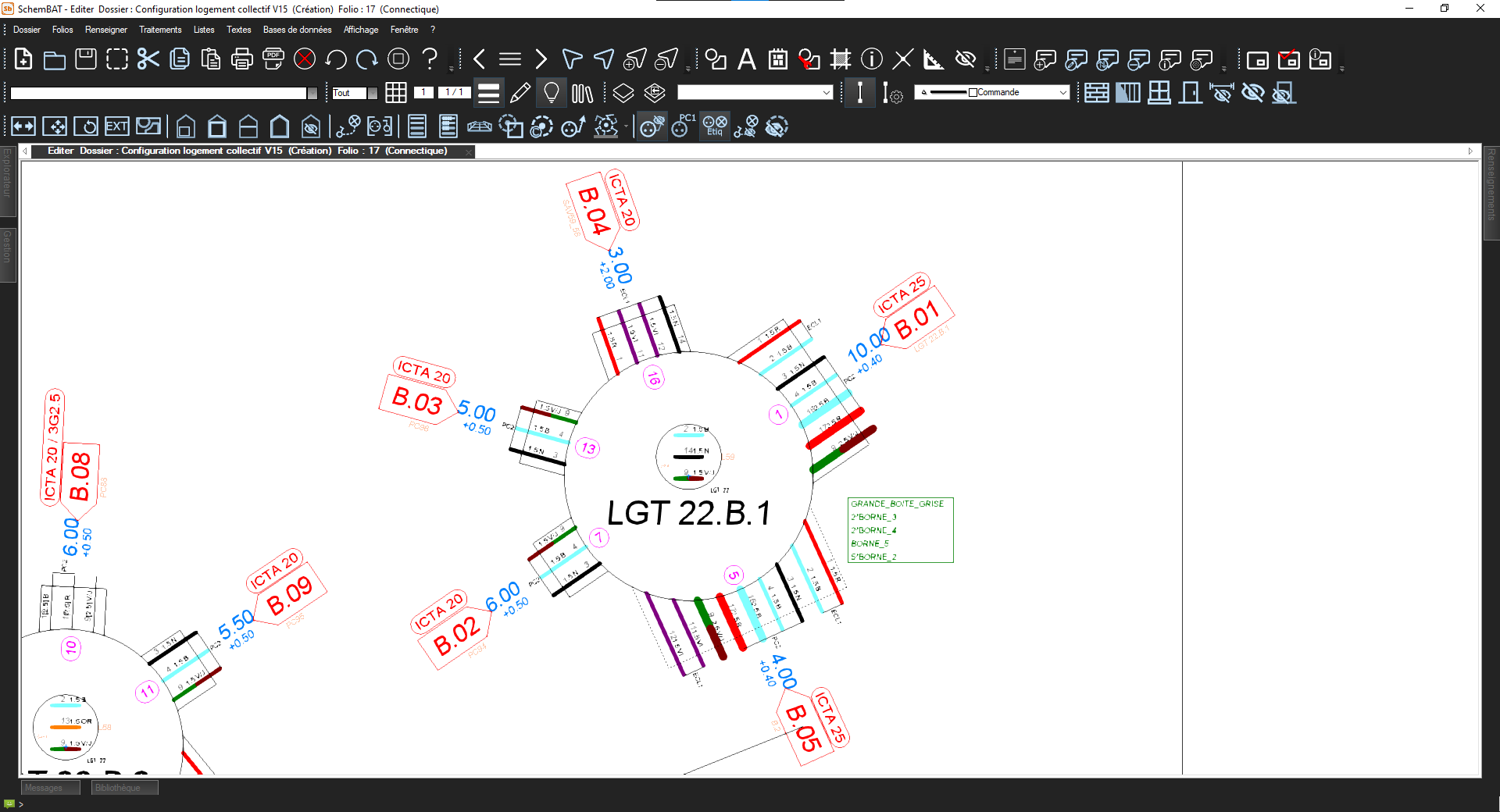
Next, you implement the home automation equipment directly on these plans: sensors, actuators, modules, etc.
Thanks to its graphic editor, you can position them precisely, depending on the configuration of the building.

You can then wire up the home automation bus quickly and clearly.
The software automatically applies the rules for each protocol, depending on the hardware selected.
This guarantees compliant routing, with no risk of error or duplication.
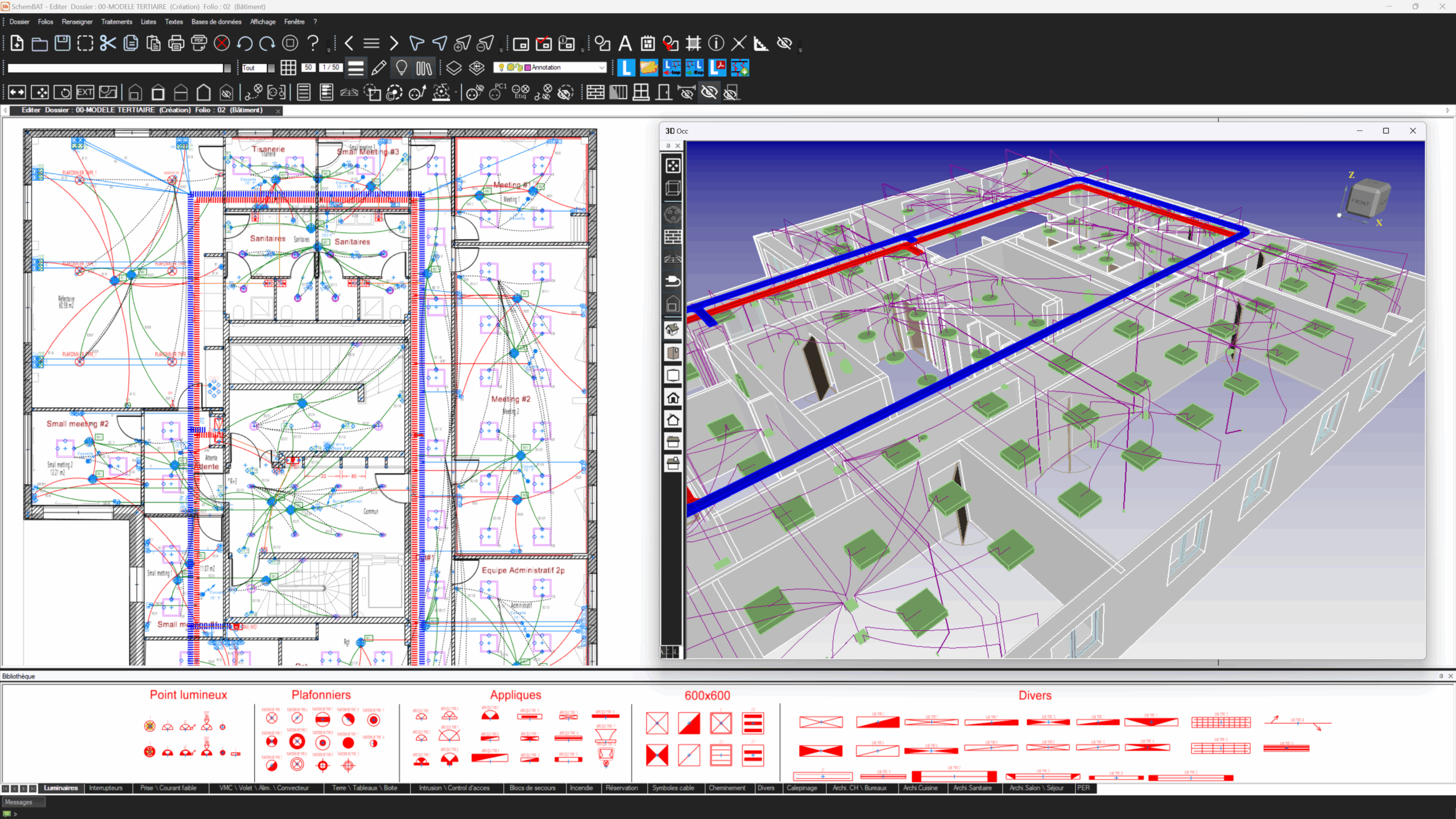
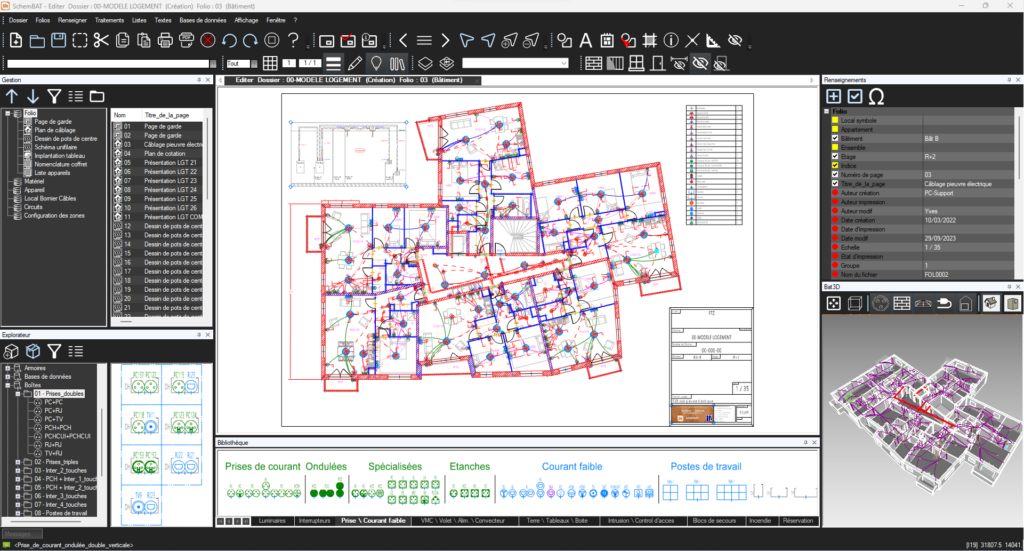
What's more, the cable trays and connections are visible on the plan in real time.
Home automation: simplified equipment layout and bus cabling with SchemBAT

Home automation: automate production and secure your installations with SchemBAT

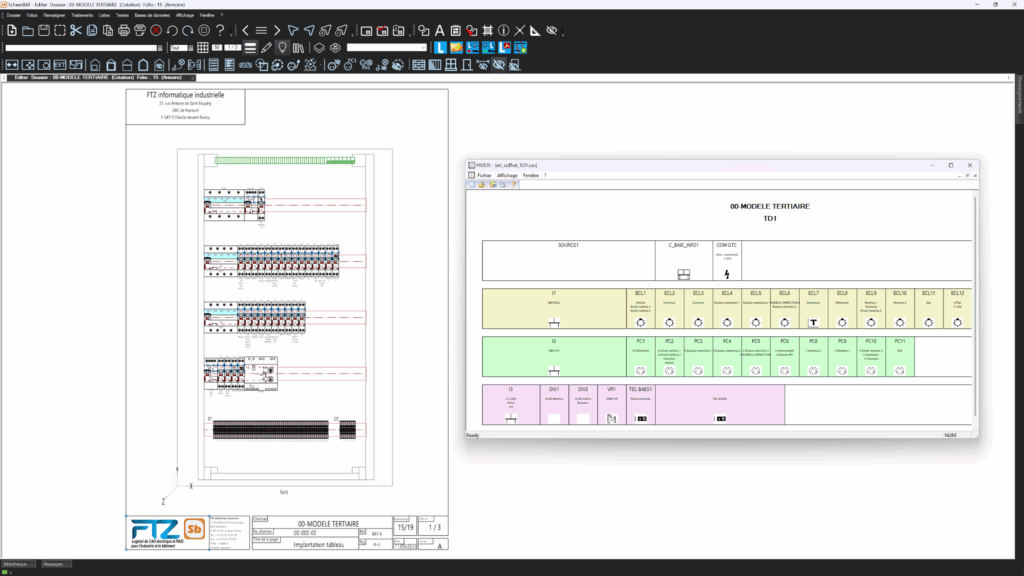
Finally, SchemBAT extracts all the lists needed for manufacturing: parts lists, wiring sheets and assembly sheets.
These documents are ready to use by workshops or installers.
You save time at every stage, while ensuring the reliability of your home automation installation.
Whether you're working on a single-family dwelling or a commercial building, SchemBAT offers you a tailored, comprehensive and high-performance solution.
Home automation: automate production and secure your installations with SchemBAT

Want to see SchemBAT in action?

An FTZ expert tailors the demo to your sector: tertiary, residential, industrial or electrical spider systems.

Request a free demo →

They use SchemBAT

Loading…

The answers to your questions

SchemBAT is designed for design offices, spider manufacturers and electrical installers alike.

SchemBAT adapts to all types of buildings: factories, offices, apartment blocks, individual houses, modular buildings, shopping centres, public establishments and tertiary buildings (schools, nursing homes, hospitals, etc.).

SchemBAT reads and writes in DWG format. SchemBAT's BIM module interfaces with models, both through its Revit™ add-on functions and via openBIM in IFC format.

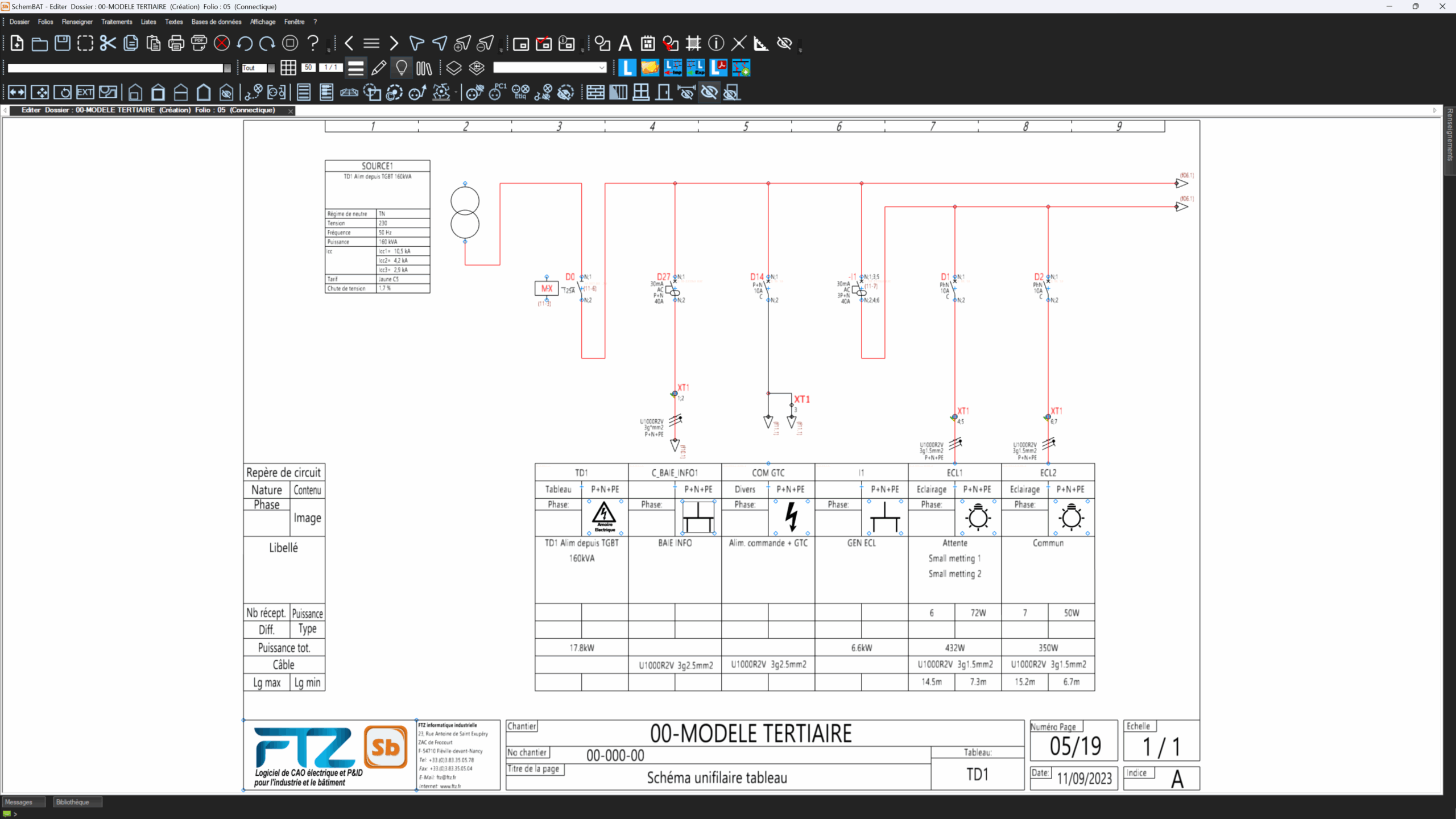
Single-line, and even multi-line, diagrams are generated or updated automatically.

SchemBAT displays equipment, cabling and cable trays in 3D, even if the original plan is in 2D and without BIM.

By assigning the various receivers to circuits, SchemBAT calculates the total power per circuit, busbar and panel.

Automatic home automation cabling is available in SchemBAT, for example with the KNX™ protocol for Smart Building and Smart Home. Certain devices commonly used in home automation (MyHome™) can also be cabled automatically.

SchemBAT integrates generic databases as well as those of common suppliers. You can also easily supplement these databases to include specific devices or components.

Within the BIM module, SchemBAT provides electrical data in IFC (openBIM) format for equipment, cables, boxes, panels and cable trays.

Take action

Ready to try SchemBAT?

Request a personalised demonstration of SchemBAT or simply contact an FTZ expert to find out more. We tailor our response to your sector and your electrical cabling projects.

Qualiopi La French Fab