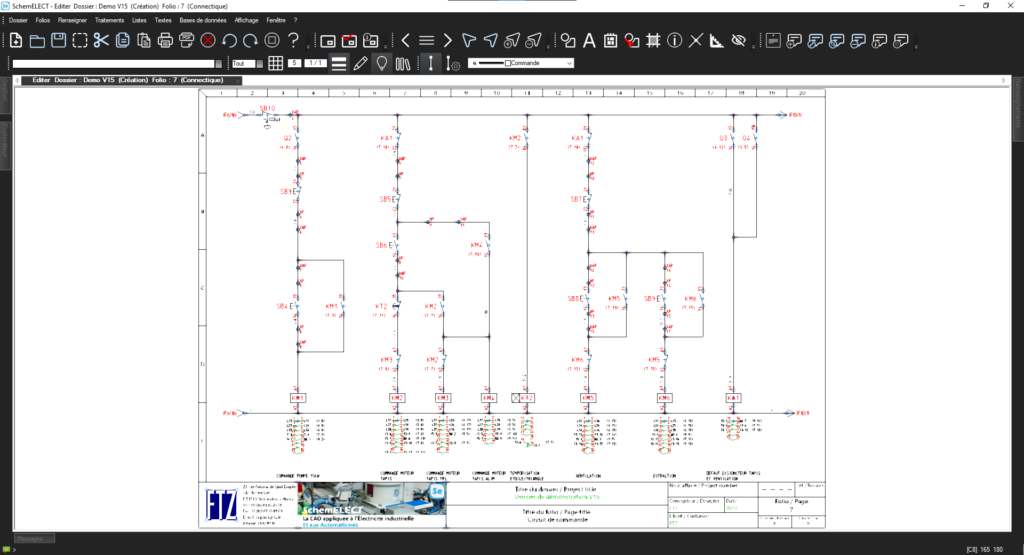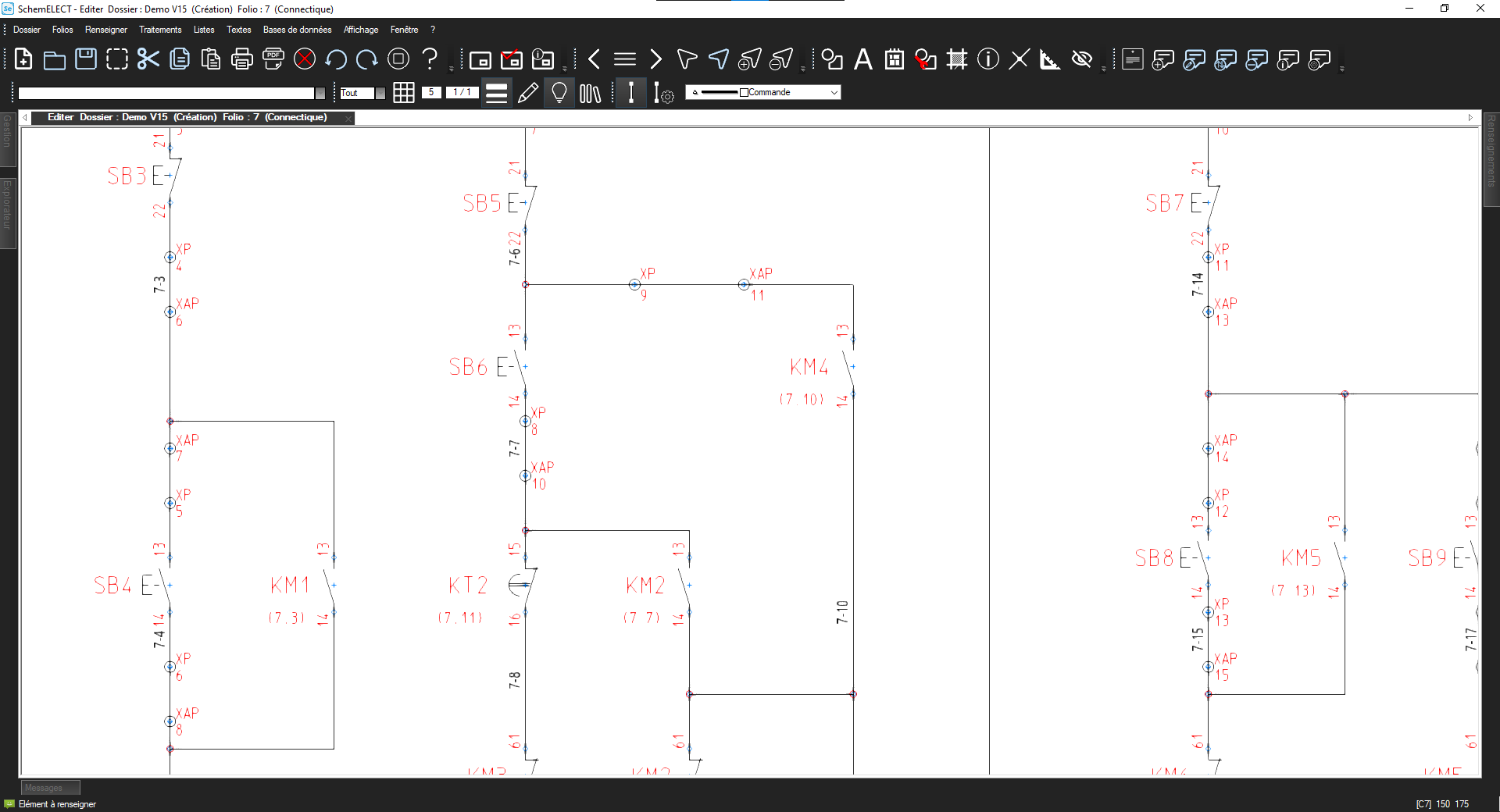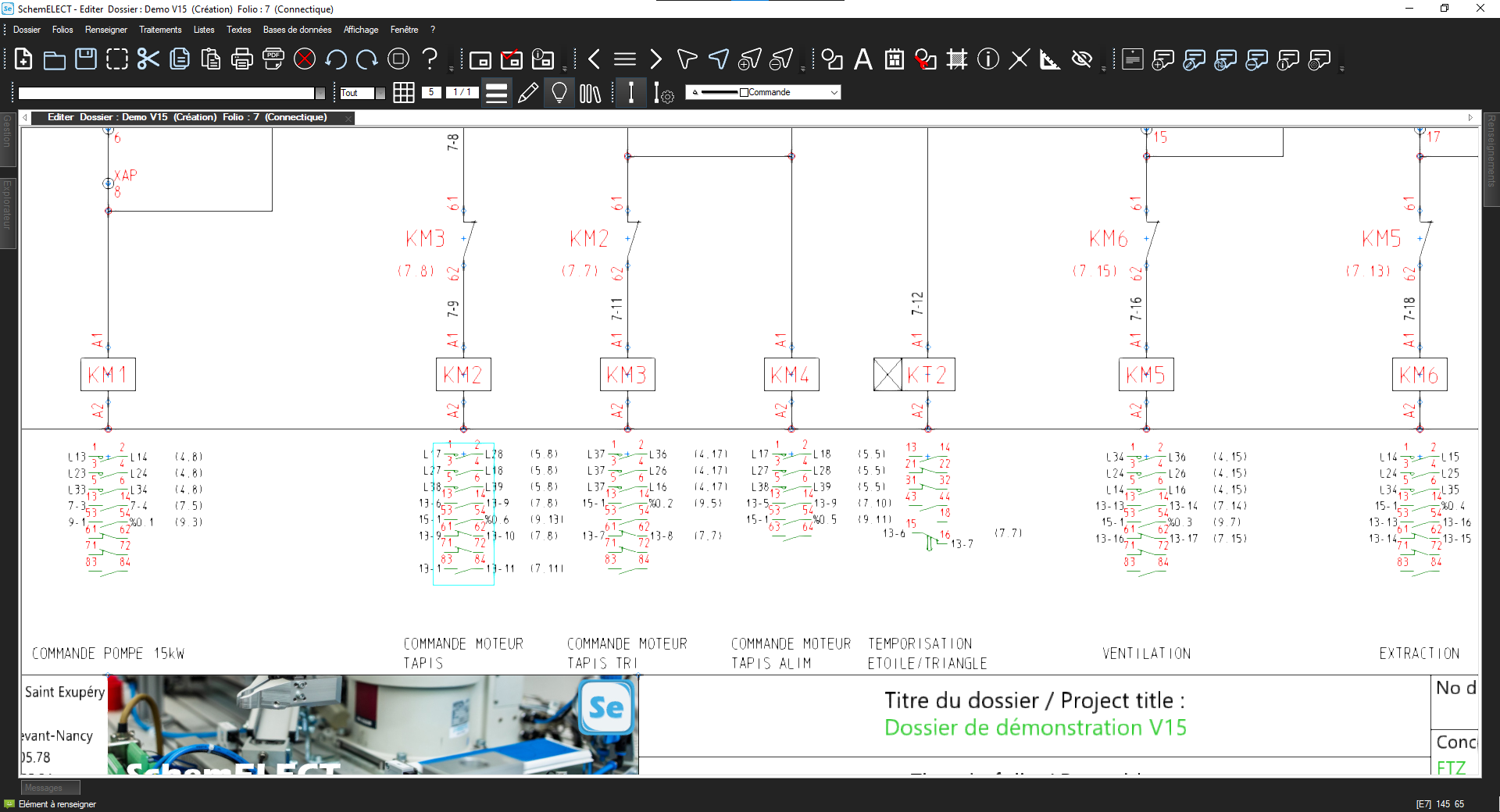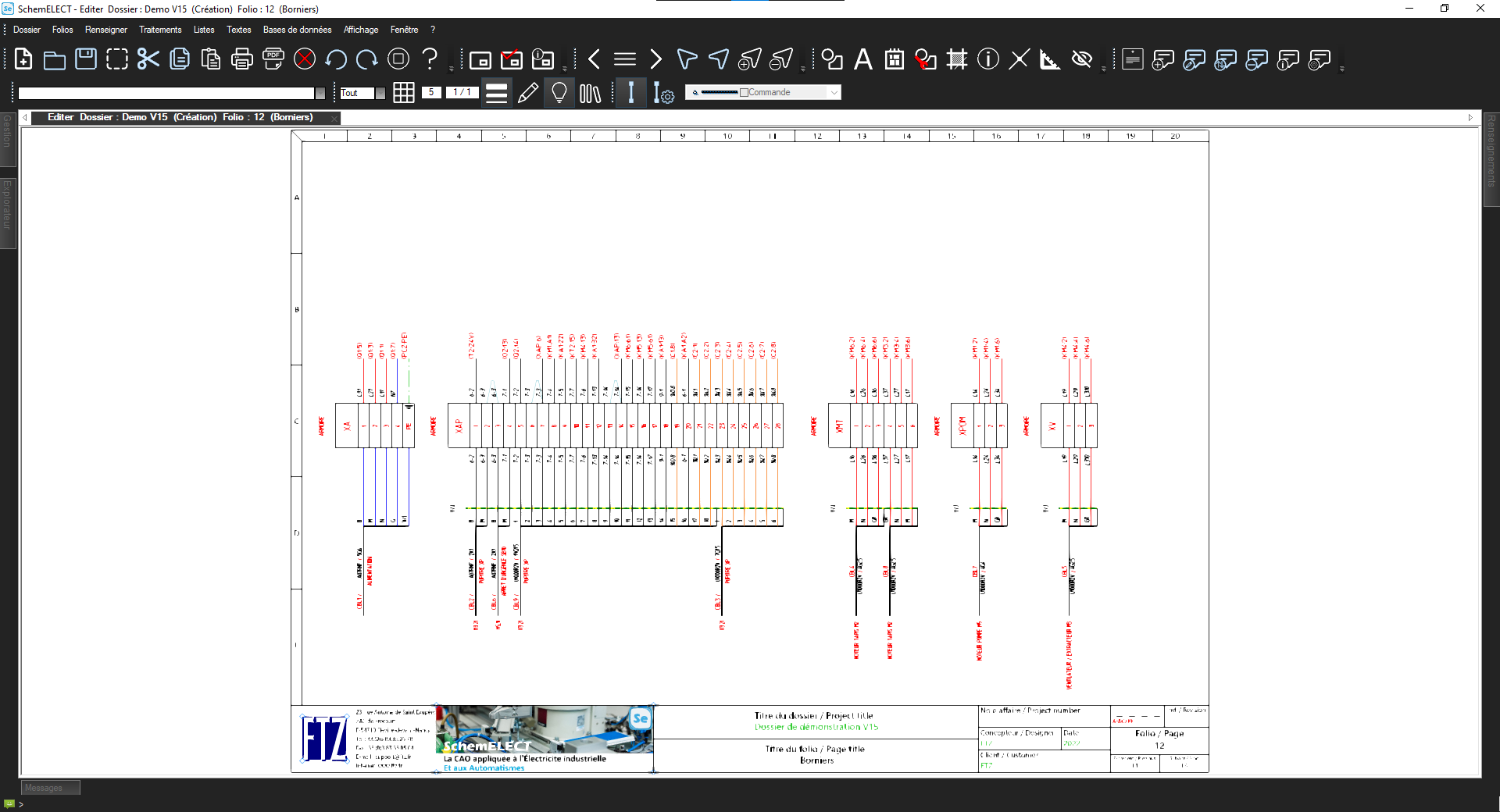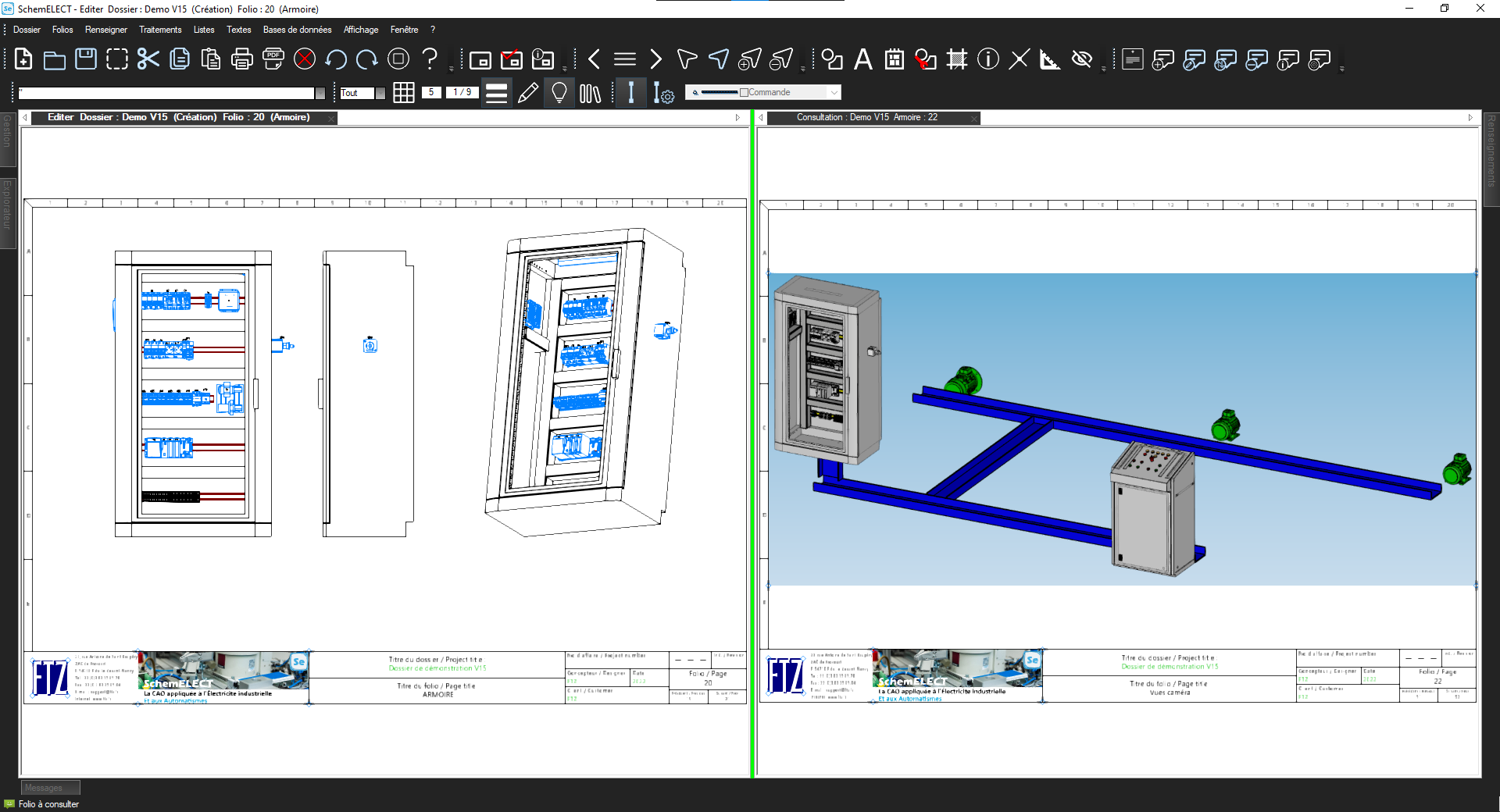

Automate Your Diagrams with the PLC Interface
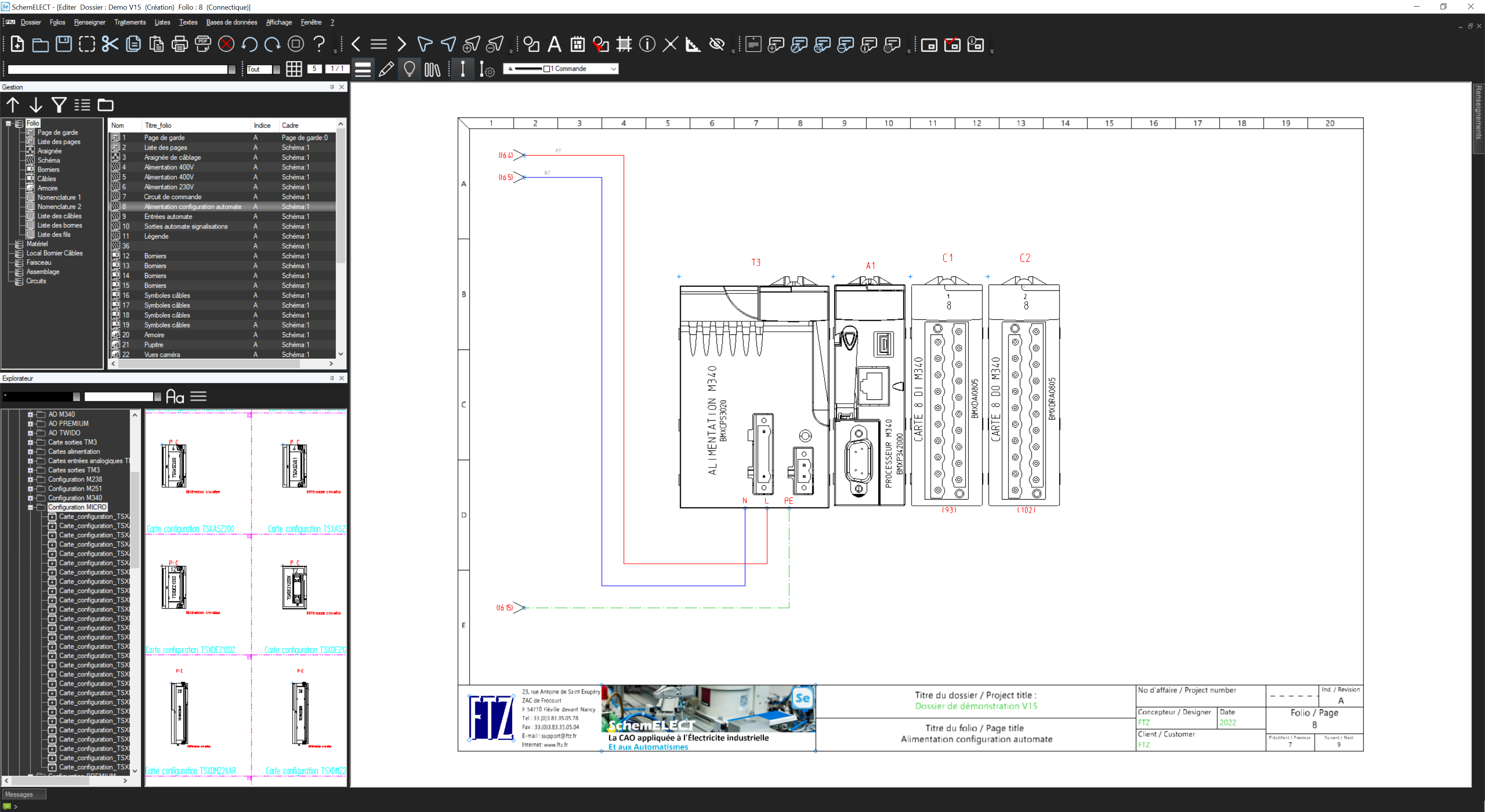
The SchemELECT PLC Interface module facilitates the exchange of information with PLC programming consoles. PLC card sheets are automatically generated from the PLC configuration.
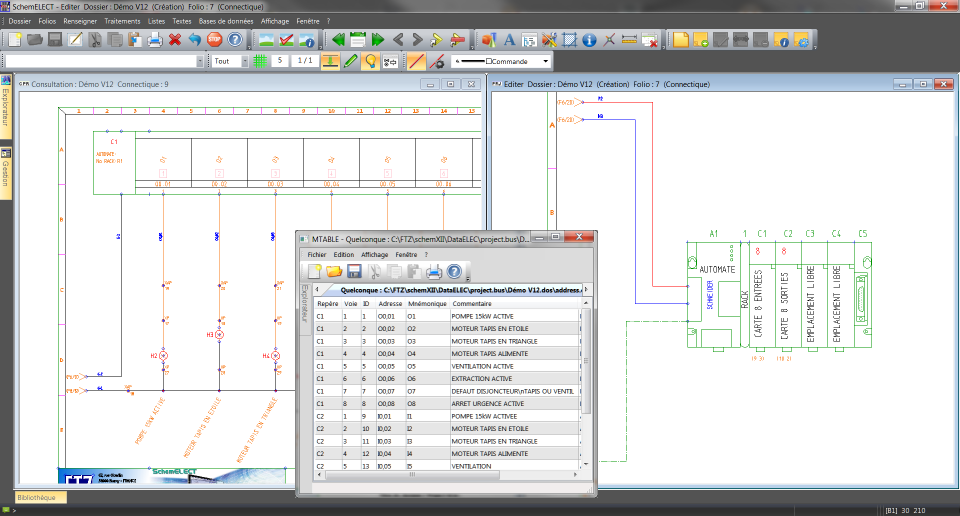
Comments and mnemonics are also graphically integrated on the channels based on a spreadsheet-type file provided by automation engineers. These channels can be displayed grouped or separately on the diagram, according to your preferences.
⤢
Easily Navigate Between Cards with the PLC Interface
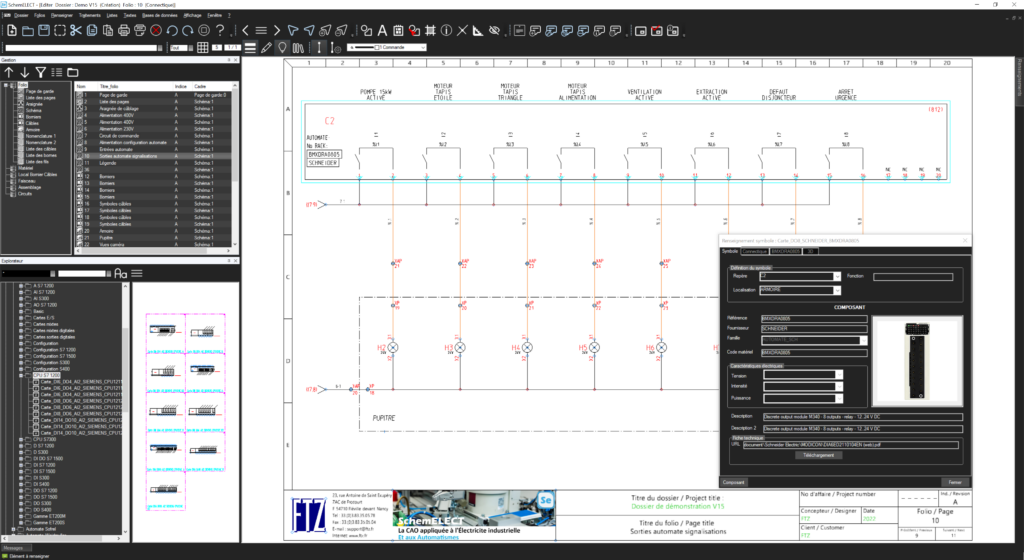
A dynamic cross-reference system is in place to locate the PLC's channels and cards.
This lets you easily navigate between the various elements of the project. In addition, you can quickly identify the precise location of each component.
⤢
Optimize Your Projects with a Dedicated PLC Interface Module
The SchemELECT PLC module provides you with a smooth and automated process. It directly manages exchanges with PLC programming consoles.
You integrate information clearly and visually. You precisely visualize the PLC configuration and its components.
⤢
Want to see SchemELECT in action,
live?
An FTZ engineer tailors the demo to your industry and your existing tools.
Request a free demo →D'autres fonctionnalités
They use SchemELECT
Answers to your questions
SchemELECT has 2 levels of wiring depending on the degree of precision required: the "CABI" module allows cabinet layout in 2D1/2, and the FTZ-Panel 3D product manages cabinet layout and wiring in 3D.
- Processor: Intel i5 or i7
- Operating system: Windows 7 or 10 (64-bit)
- RAM: 8 GB or more
- Storage: 500 GB hard disk or 256 GB SSD
- Graphics card: AMD ATI R7 240 or Nvidia GT740
- Display: 22″ to 24″ screen, 1920×1080 resolution or higher
SchemELECT software can be used on a macOS computer using a Windows virtual machine or via the gateway available on the latest versions of macOS.
Yes, our software offers PLC board integration, with automatic installation of connection boards and management of a PLC database.
SchemELECT can be used to create the electrical diagram of a photovoltaic installation. The calculation part specific to photovoltaics must be carried out using a third-party product.
Yes, wires can be numbered manually, by incrementing, or using the automatic numbering function.
SchemELECT supports various worldwide standards such as IEC, ISO, ANSI, JIS, BS, and more.
Yes, SchemELECT comes with libraries of many pre-established and customizable symbols. You can also create your own libraries to enhance your working environment.
SchemELECT integrates hundreds of thousands of components such as: Abb, AMI, Baco, Balluf, Banner, Beckhoff, Citel, Comat, Crouzet, Danfoss, Eaton Moeller, Ferraz, Festo, Finder, Fuji Electric, General Electric, Hager, Harting, Hyundai, Idec, Ifm Electrotechnics, ILME, Legrand, Lemo, Lenze, Leroy Somer, LS Electric, Misumi, Mitsubishi, Molex, Murrelektronik, Nidec, Noark, Nvent Hoffman, Omron, Panasonic, Pepperl Fuchs, Phoenix Contact, Pilz, Planet Wattohm, Rittal, Rockwell, Schmersal, Schneider, SEW Eurodrive, Siemens, SMC, Socomec, Sofrel, TE Connectivity, Terasaki, Unex, Wago, Weidmuller, Yaskawa, Yokogawa, Zenergy, and more. These databases can be edited, and SchemELECT allows you to integrate your own databases and specific features.
Ready to try SchemELECT?
Request a personalized SchemELECT demo or simply get in touch with an FTZ expert to learn more. We tailor our response to your industry and your existing tools.