
FTZ-Panel 3D
3D CAD Software for Electrical Cabinets and Shelters
FTZ-Panel 3D models your electrical cabinets in three dimensions. Component placement, wire routing, busbars, drilling plans and CNC interface: complete 3D design in a single tool.













3D modelling
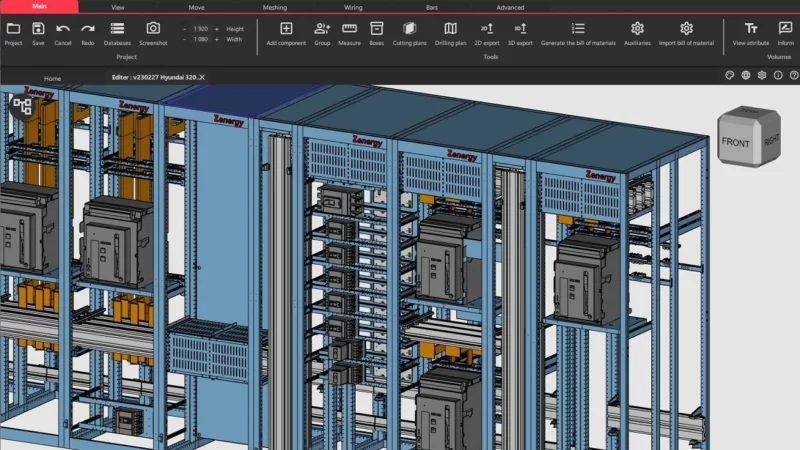
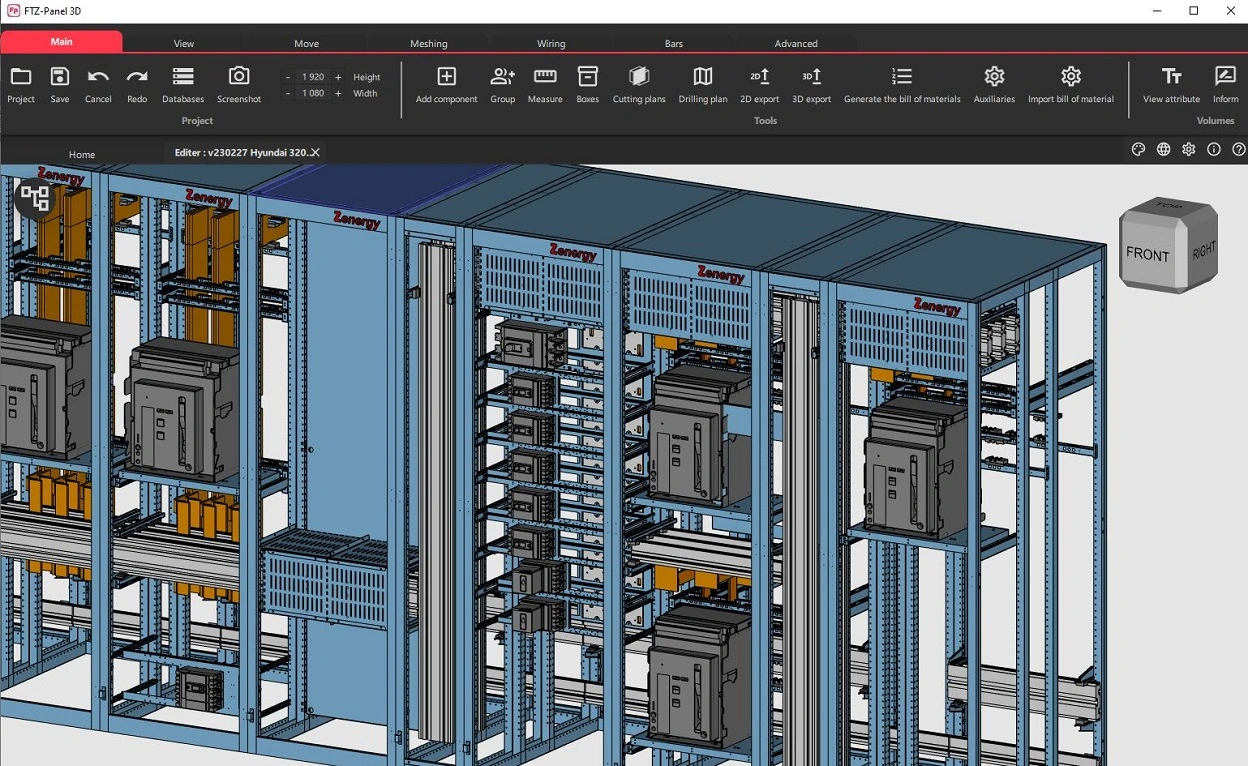
FTZ-Panel 3D is an innovative software for 3D modelling of electrical cabinets and panels, offering a realistic environment.
Read more →
⤢
Busbar systems
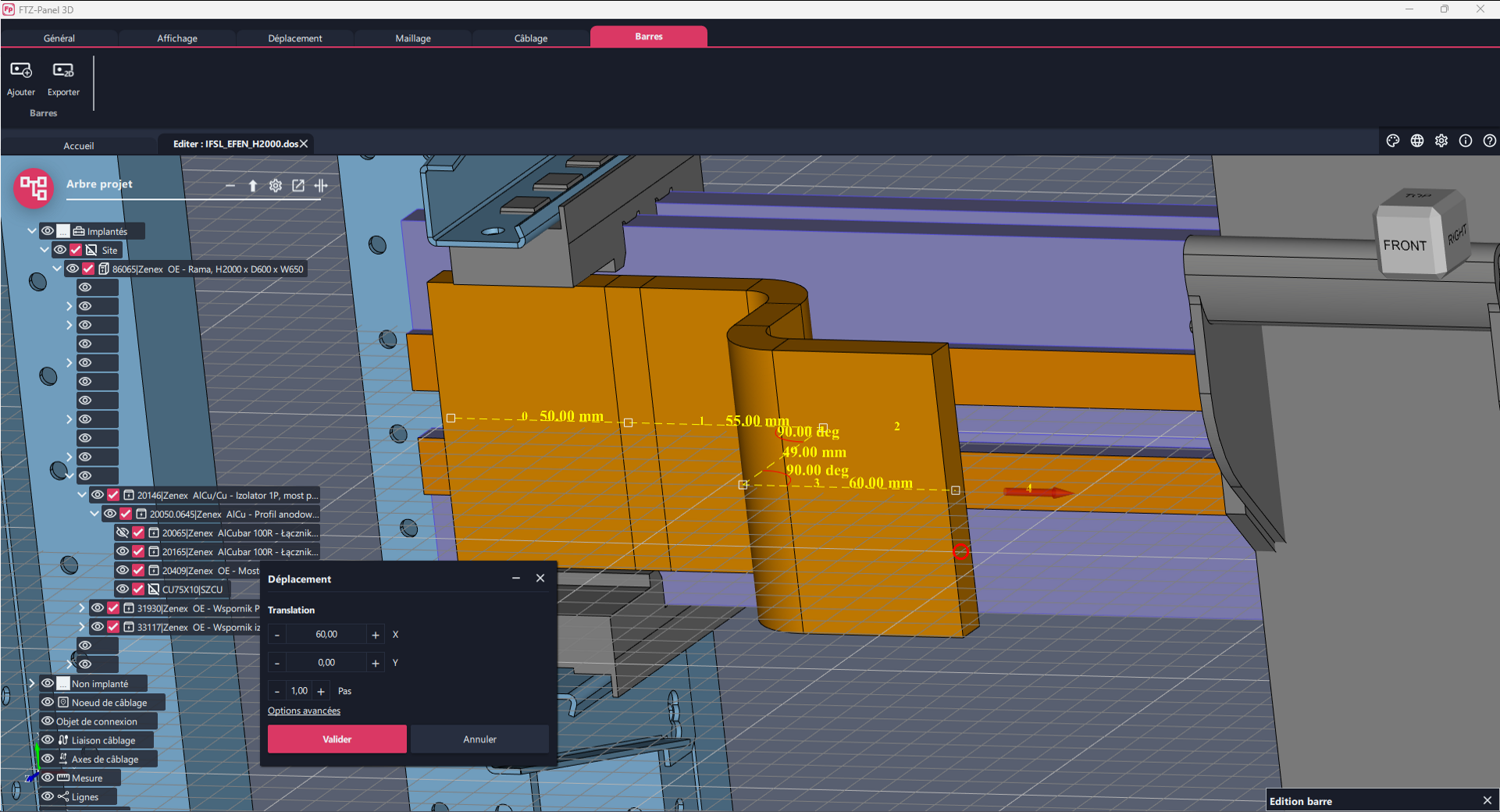
FTZ-Panel 3D is a powerful software that facilitates the integration of busbars into the design of your three-dimensional electrical panels.
Read more →
⤢
Facilities and control
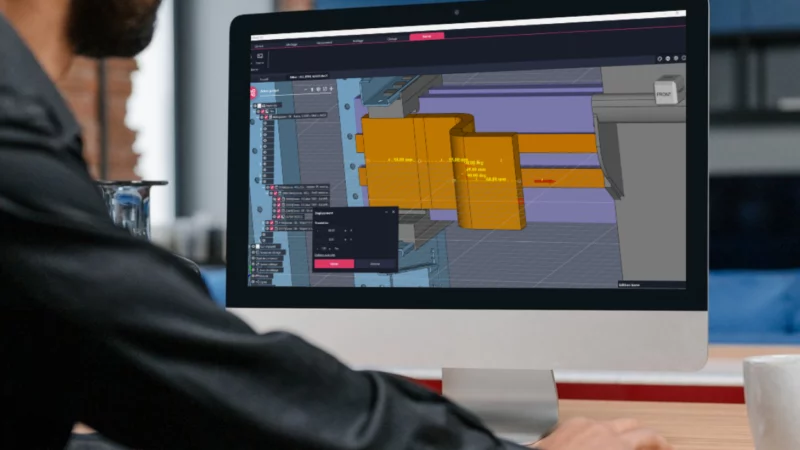
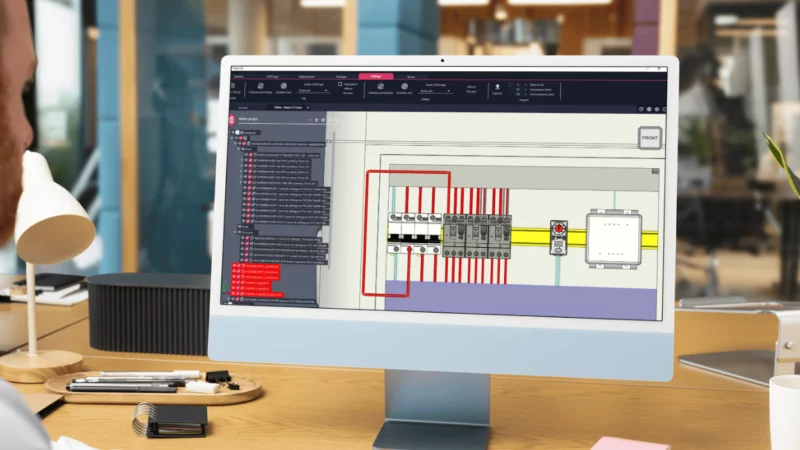
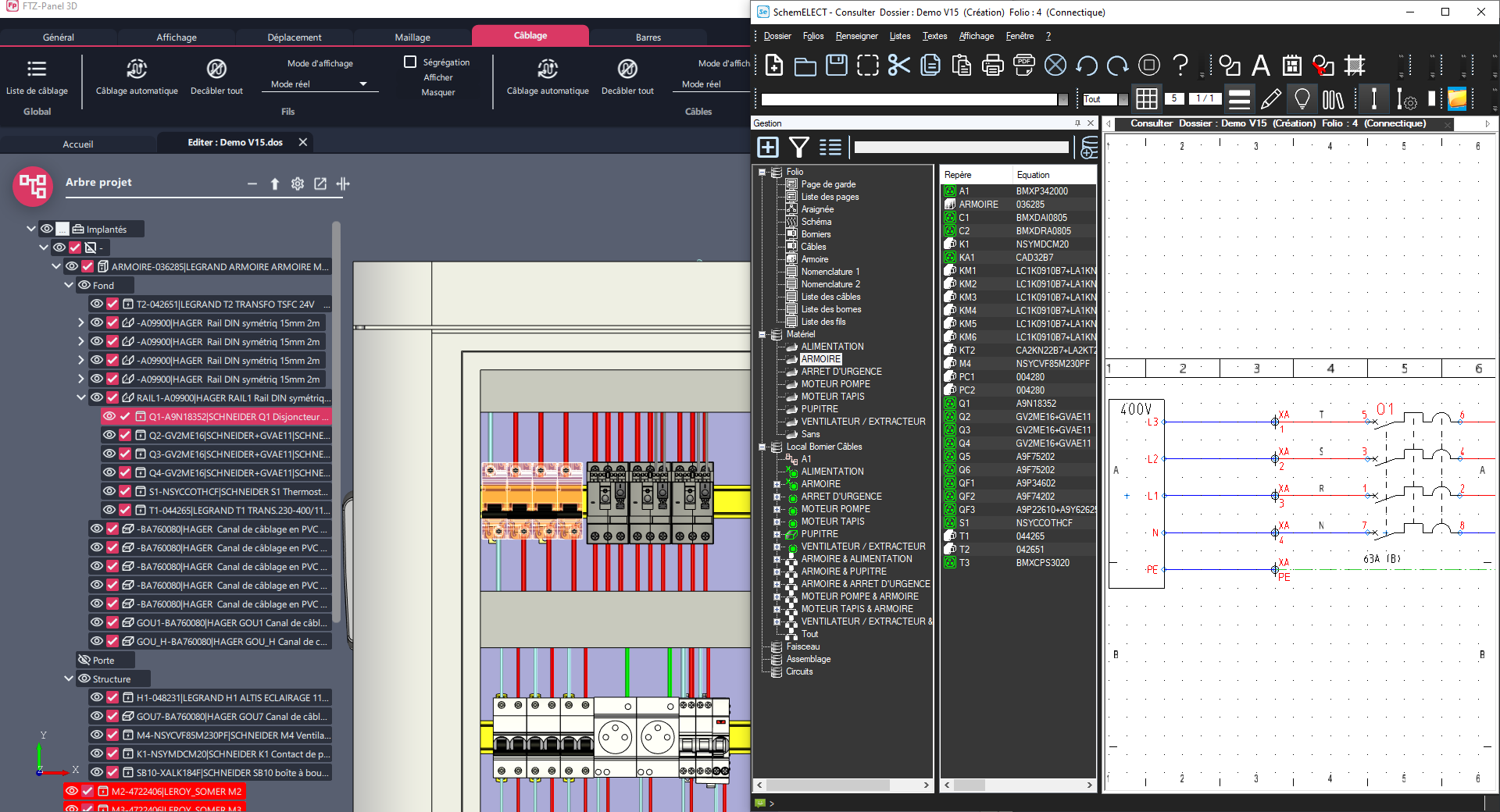
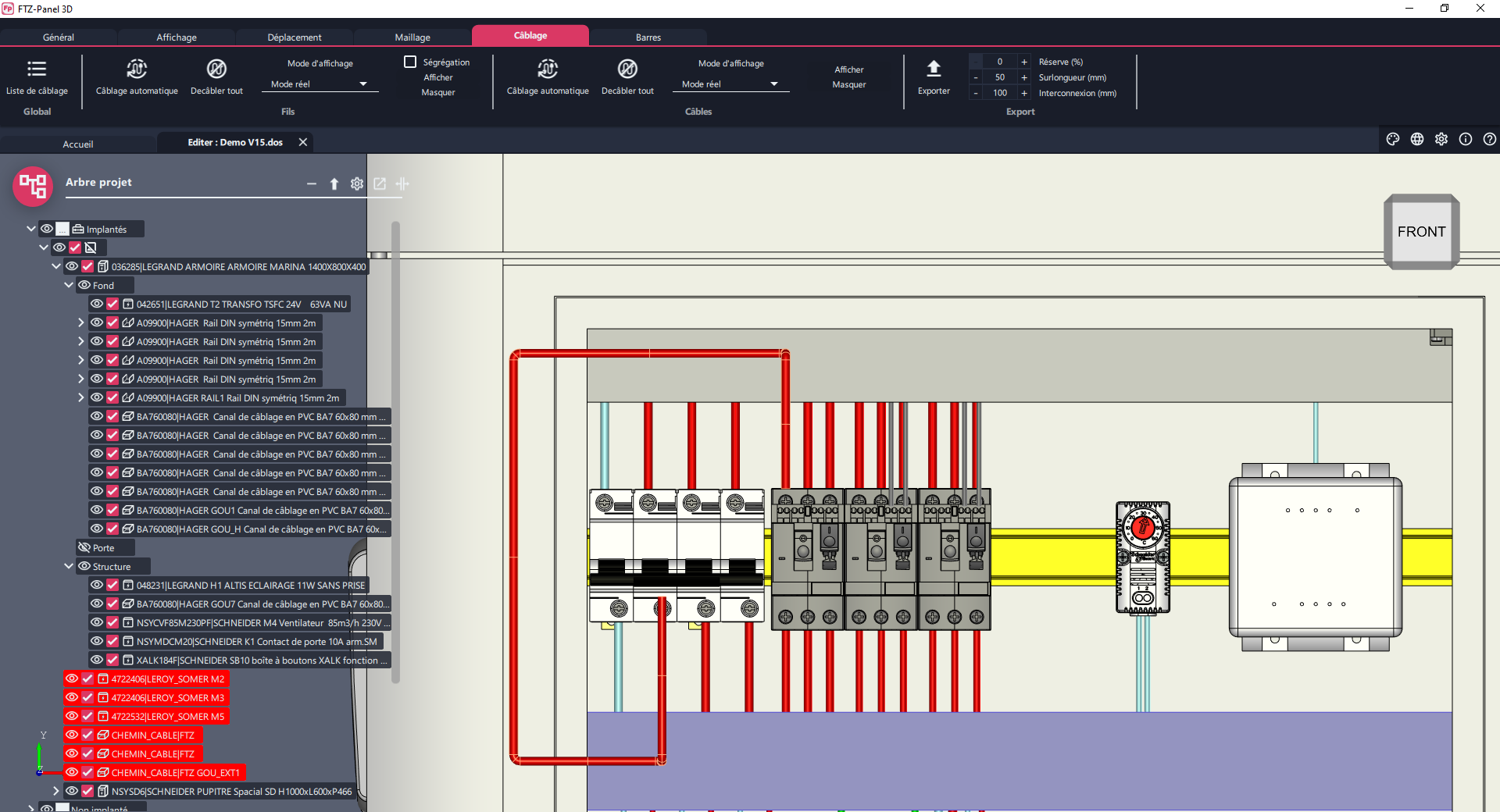
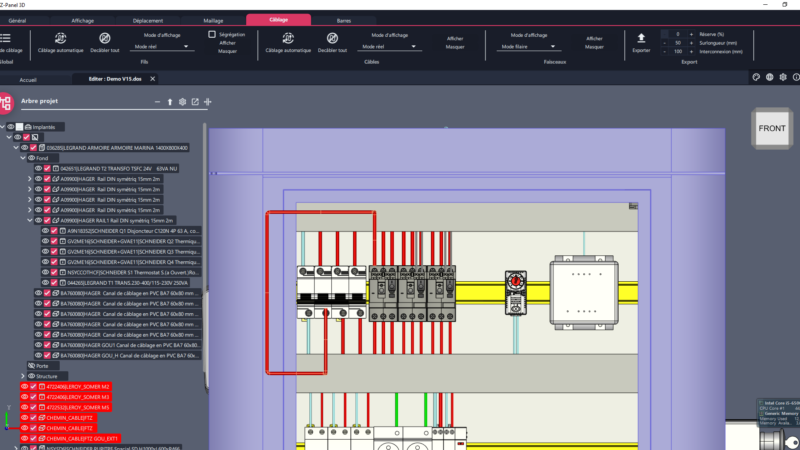
FTZ-Panel 3D offers advanced ‘wire routing’ functionality to optimise cabling. Based on the schematic data, the software automatically calculates the actual wire paths inside the cabinet.
Read more →
⤢
Cabinet assembly
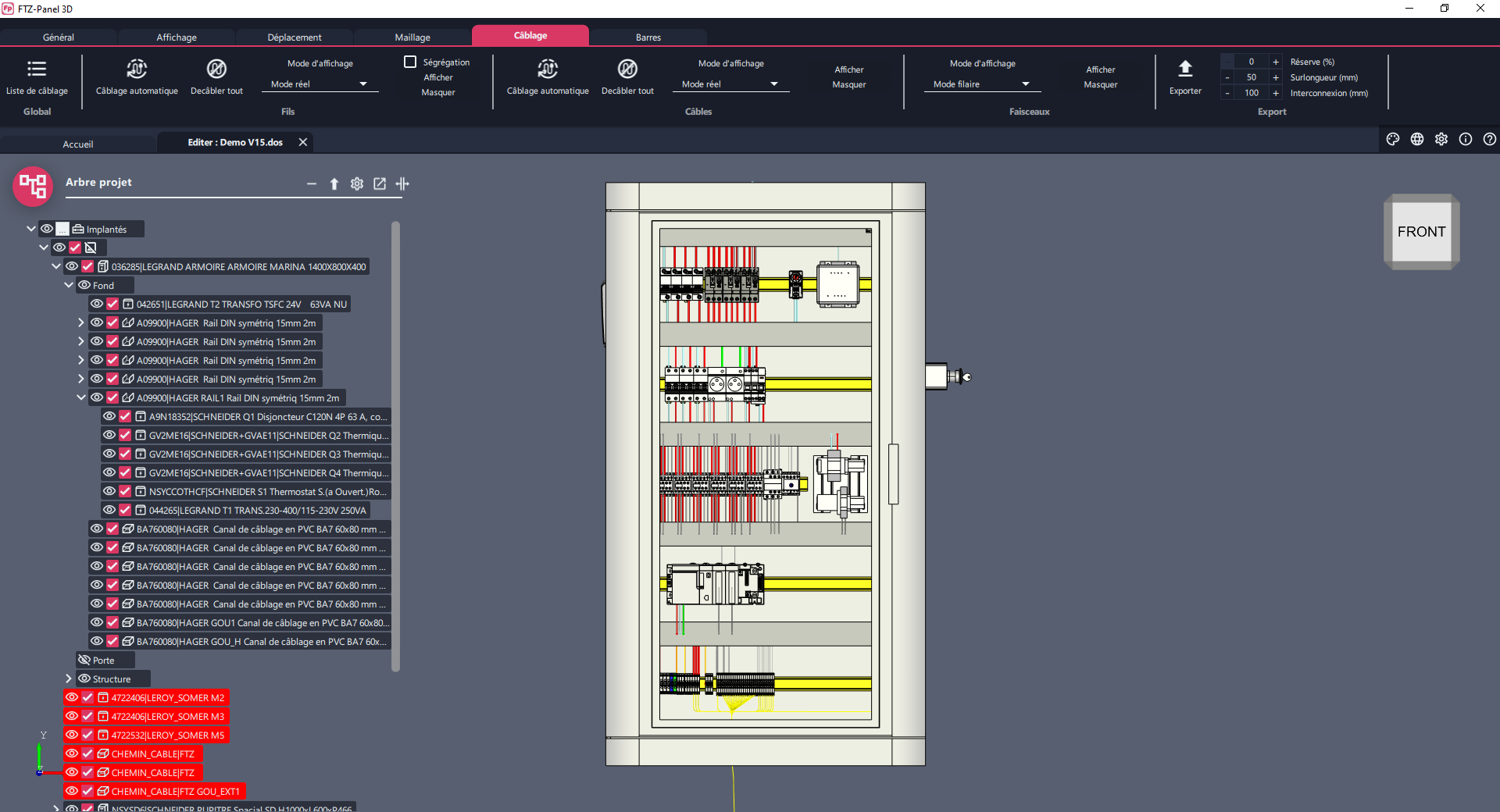
FTZ-Panel 3D is also used for assembling modular cabinets: panels, rails, front panels, etc.
Read more →
⤢
Nomenclatures and lists
FTZ-Panel 3D completes any parts lists in the diagram with the added hardware and quantities: box, rail, duct, bar, etc.
Read more →
⤢
See FTZ-Panel 3D in action
Video presentation of FTZ-Panel 3D 3D CAD software: discover in a few minutes how it supports design offices and panel builders in designing their electrical cabinets.
See other videos →Want to see FTZ-Panel 3D
in action?
An FTZ engineer tailors the demo to your sector and your electrical cabinet design needs.
Request a free demo →Additional features
⤢
Macro Language
FTZ-Panel 3D also includes a macro language that enables the creation of customised configurators.
Complementary modules

They use FTZ-Panel 3D
The answers to your questions
Yes, it’s perfectly possible to create an enclosure layout without a diagram by importing a bill of materials or loading the components.
FTZ-Panel 3D is completely self-contained. It also has built-in functions to simplify 3D volumes if required.
Volumes are usually available directly from manufacturers’ websites. They can also be easily modelled using 3D mechanical CAD software. Supported formats include STEP and OBJ.
Yes, the user can define the drilling plans. These plans can be used in the workshop via CNC machines.
Yes, dedicated functions can be used to define copper bars in 3D. Using the bending database, FTZ-Panel 3D automatically generates the corresponding bending plans.
Yes, there is a function to control collisions, guaranteeing quality assembly.
Yes, FTZ-Panel 3D can be used to manage several cabinets as well as external equipment. It manages the entire installation, including cabinets, motors, consoles, etc.
Yes, the software allows you to calculate the actual lengths of wires and cables precisely, which makes it easier to prepare the wiring, optimises assembly time and ensures that the same wiring is used in the same cabinets.
No, FTZ-Panel 3D is not just for panel builders. It is also used by engineers, design offices and installers wishing to obtain a realistic 3D view of their enclosures.
Ready to try FTZ-Panel 3D?
Request a personalised demonstration of FTZ-Panel 3D or simply contact an FTZ expert to find out more. We tailor our response to your sector and your electrical cabinet design needs.