
Electrical CAD Diagram

SchemELECT

Créez facilement vos Schémas de CAO électrique

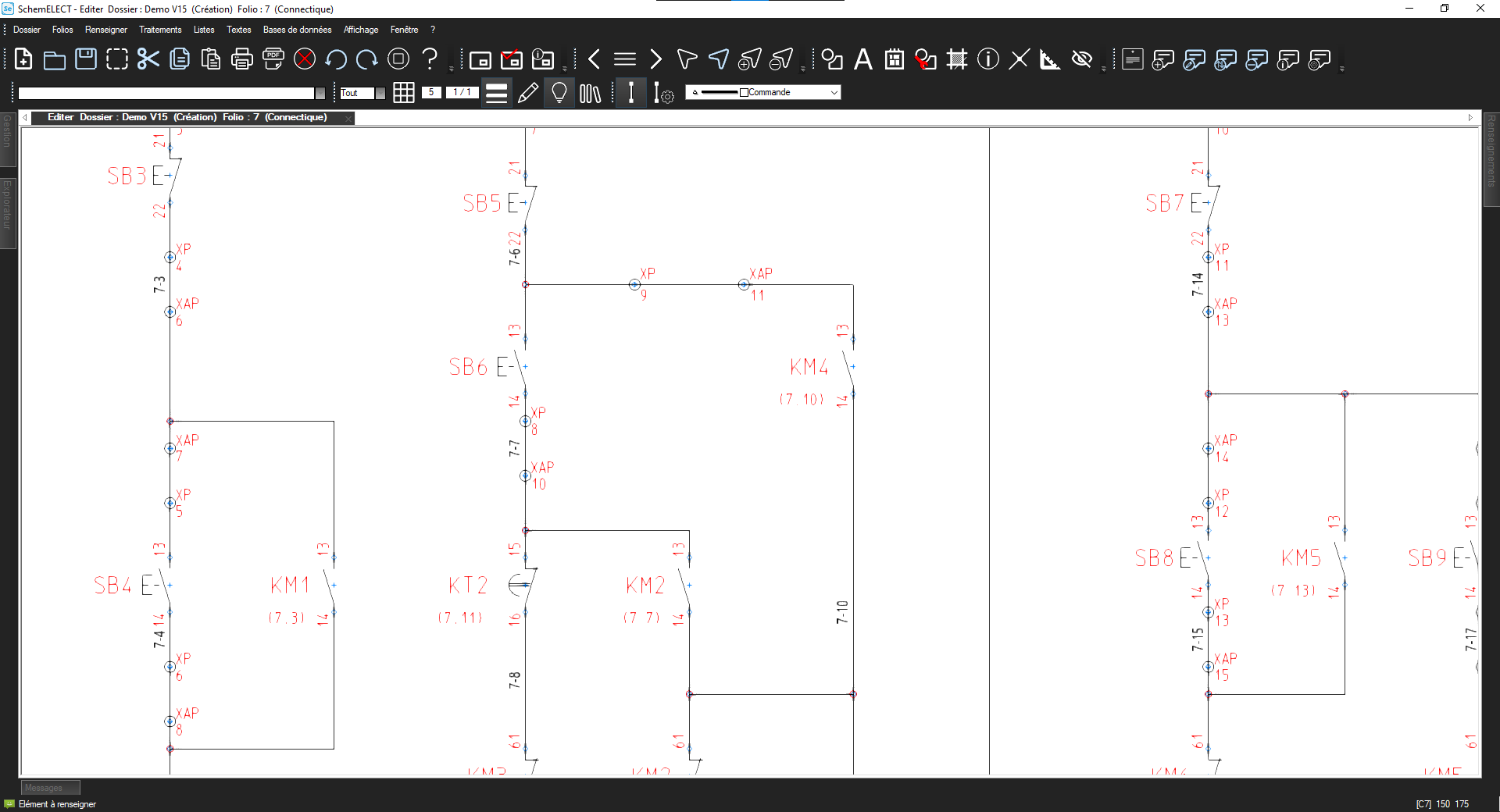
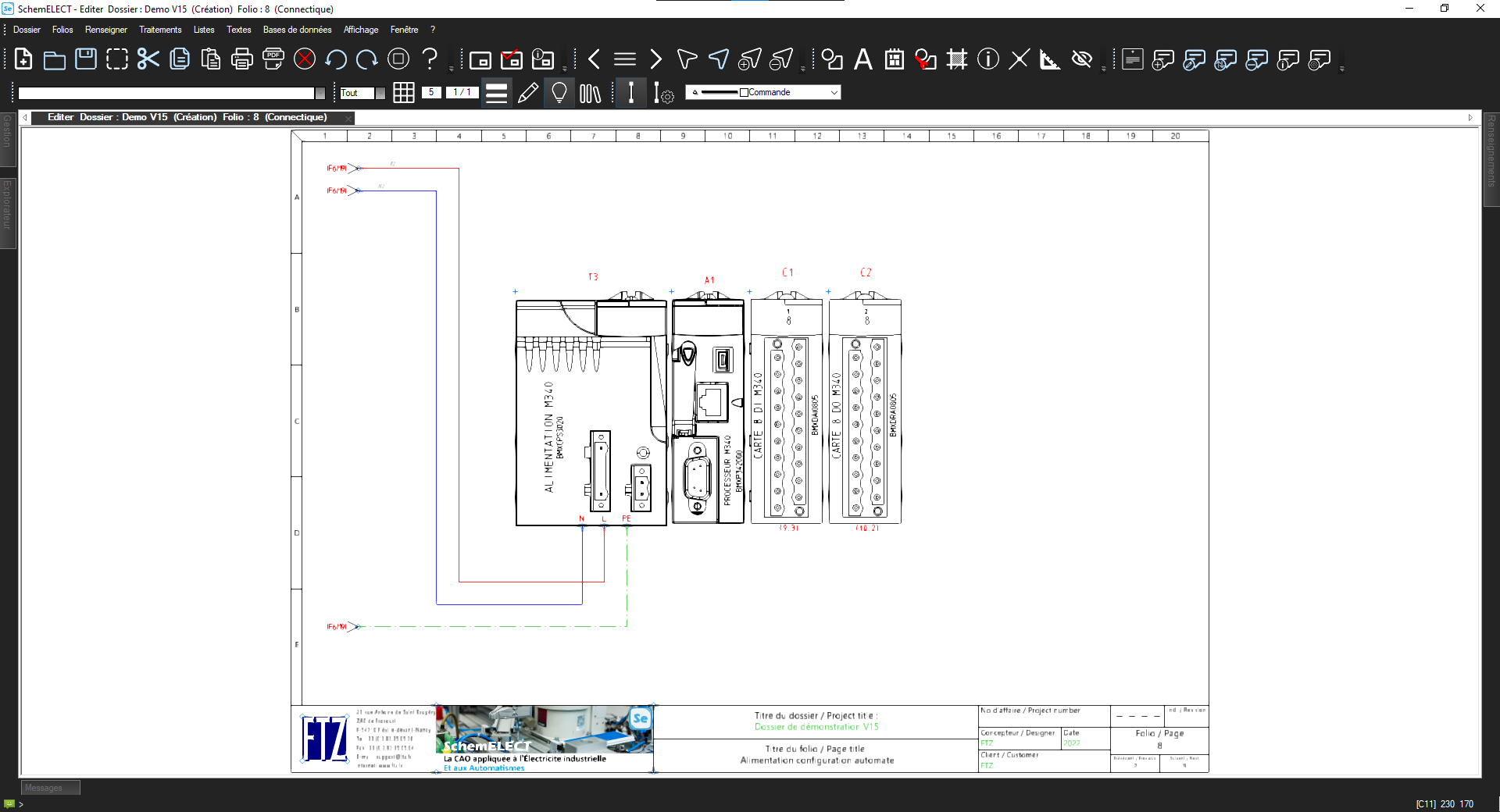
Avec SchemELECT, créez tous types de schémas de CAO électrique. Utilisez des commandes simples et rapides. Positionnez facilement les éléments et organisez-les de façon logique. Ajustez les paramètres selon vos besoins. Ajoutez des symboles normalisés conformes CEI, DIN, ANSI, JIS, BS … Placez rapidement les fils et câbles sur vos plans. Profitez de fonctions avancées : connexion, rotation, suppression, copie, etc. Ainsi, vous gagnez du temps dès la conception. SchemELECT s'adapte à tous les projets. Conformez vos schémas aux normes internationales et nationales. Vous concevez avec précision et flexibilité.
Créer des schémas de CAO électrique avec SchemELECT
Créer des schémas de CAO électrique avec SchemELECT — plein écran

Efficient Management of Electrical CAD Diagram Projects

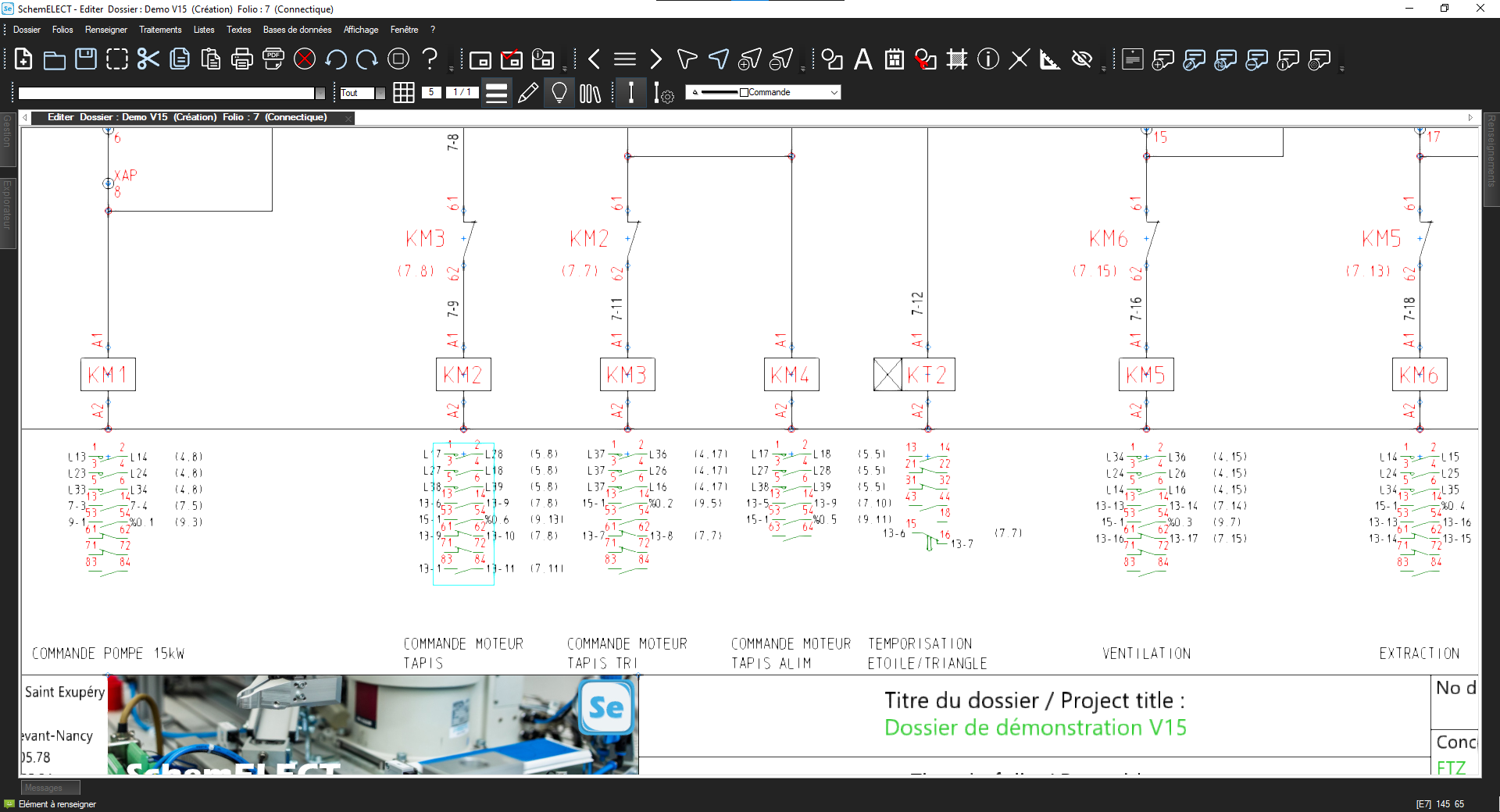
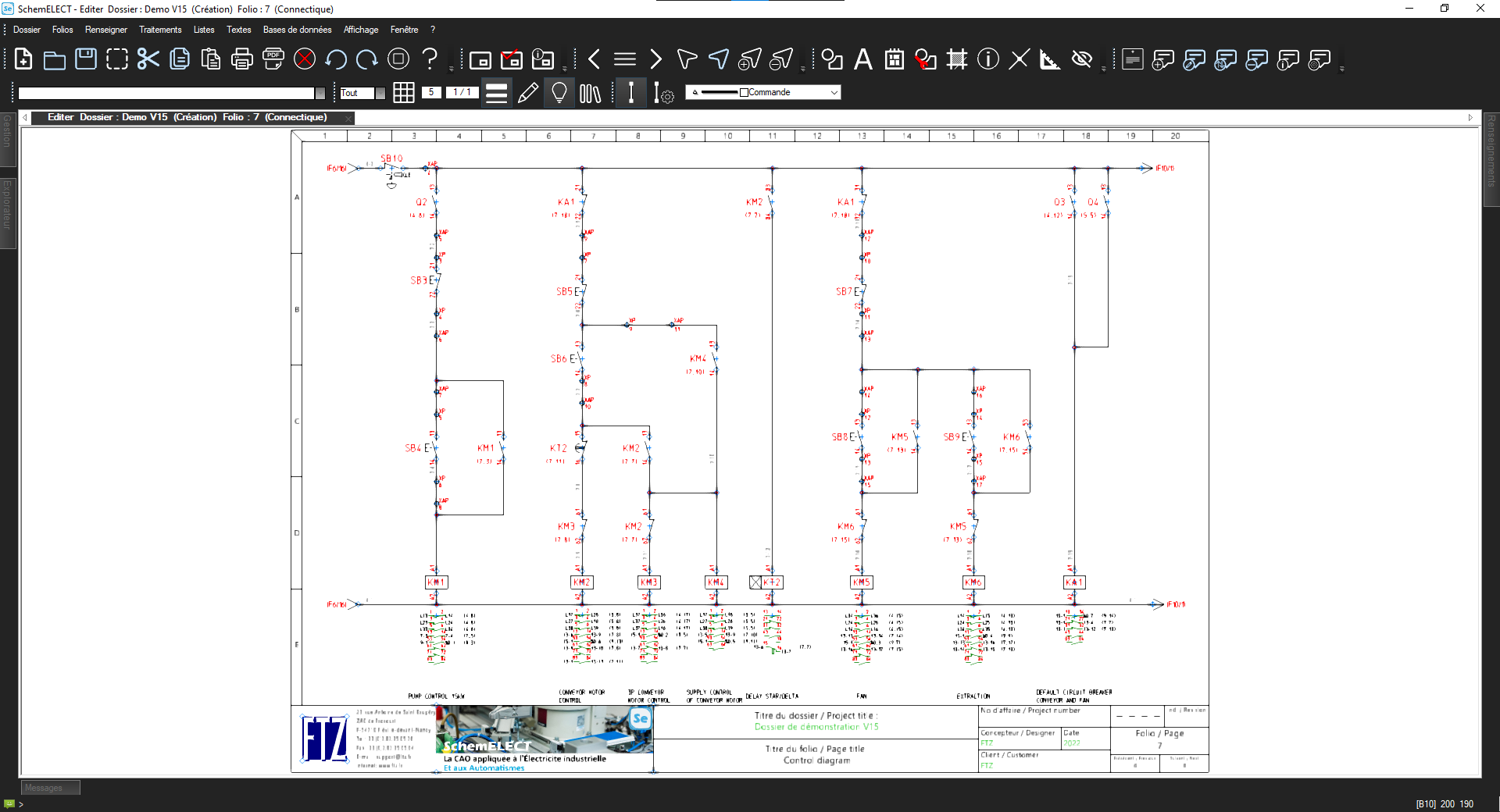
SchemELECT manages your electrical CAD diagrams, even for large-scale projects. Organize them with integrated management. Easily navigate complex documents. Improve overall project tracking. Create links between all types of diagrams: single-line, interconnection or expanded. Maintain full consistency at every stage. Get a clear, structured overview. For all your electrical projects, use a complete and reliable tool.
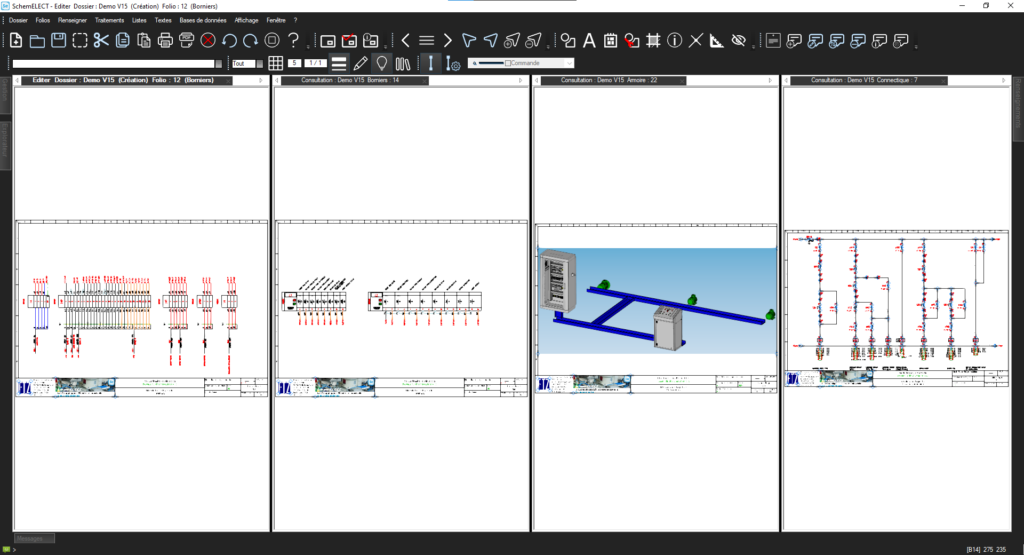
Electrical CAD diagram project management SchemELECT
Electrical CAD diagram project management SchemELECT — full screen

Ensure Multilingual Clarity in Your Electrical CAD Diagrams

SchemELECT makes communication easier through multilingual translations. Collaborate effectively in an international context. Use a customizable dictionary for your diagrams. Easily translate technical terms and annotations. Adapt your documents to each project language. Work confidently with multilingual teams. Avoid misunderstandings and ensure linguistic consistency. Improve understanding for all stakeholders. Save time and streamline electrical design.
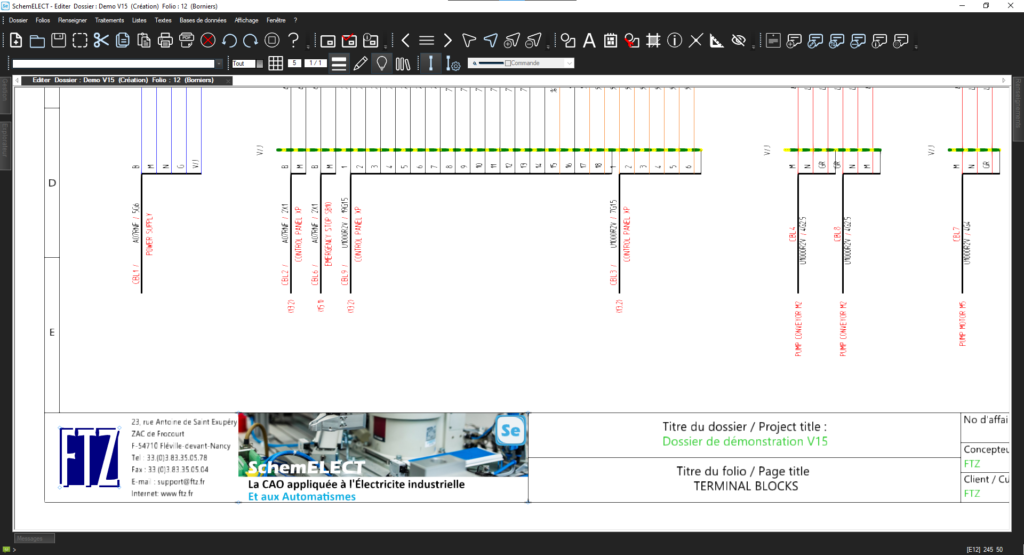
Multilingual translation of SchemELECT diagrams
Multilingual translation of SchemELECT diagrams — full screen

Generate Your Parts Lists from Your Electrical CAD Diagrams

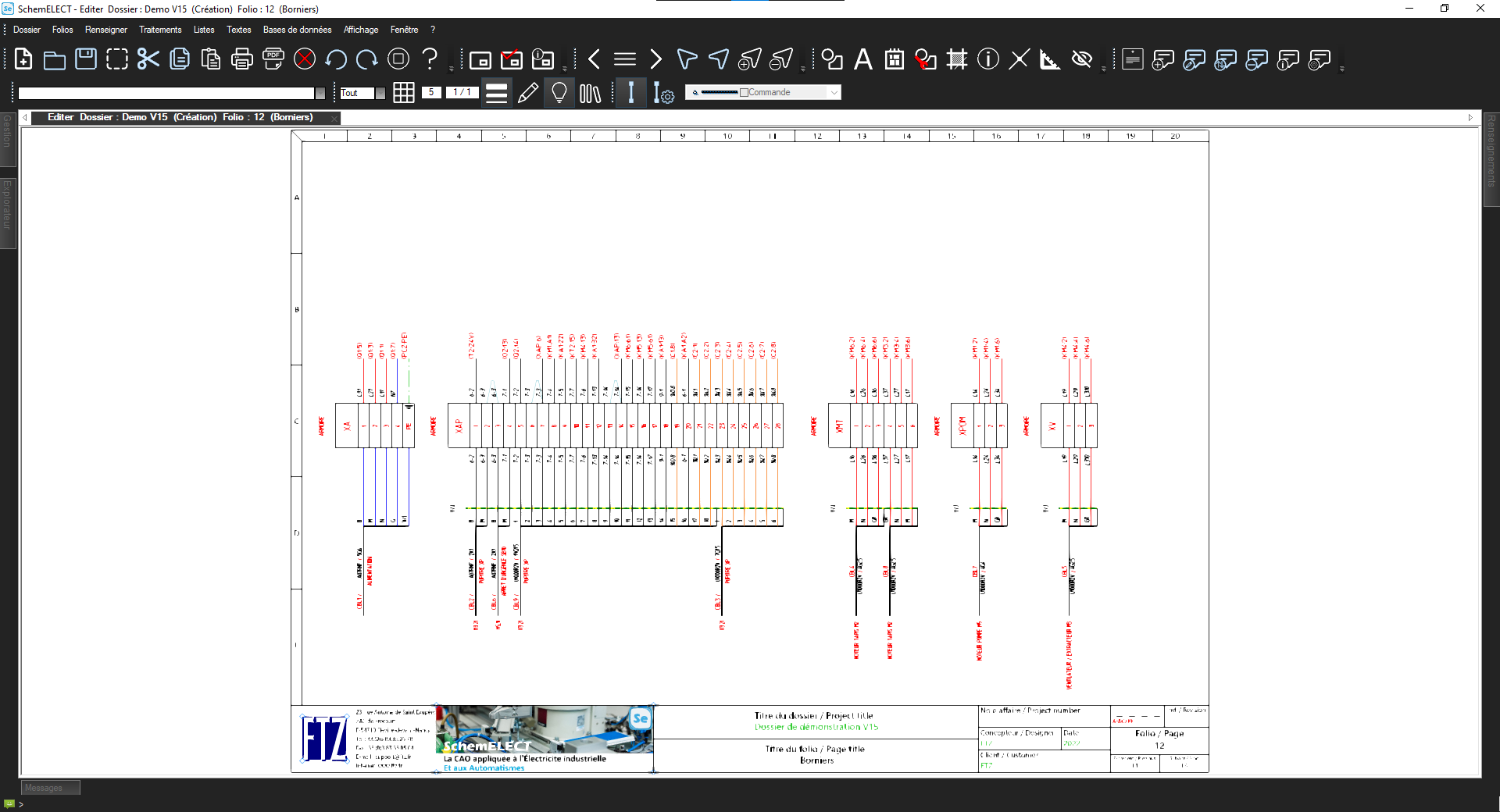
SchemELECT automatically creates your parts lists. It links diagrams and components effortlessly. Generate all your parts lists in just a few clicks. Workshops, purchasing or other needs: everything is covered. Easily place them on the project sheets. Update pages dynamically. Modify one element and everything stays in sync. Import your data from a spreadsheet or an ERP. Work with your usual tools without constraints. Export your lists to Excel™, Word™ or PDF™. Share them easily according to your needs.
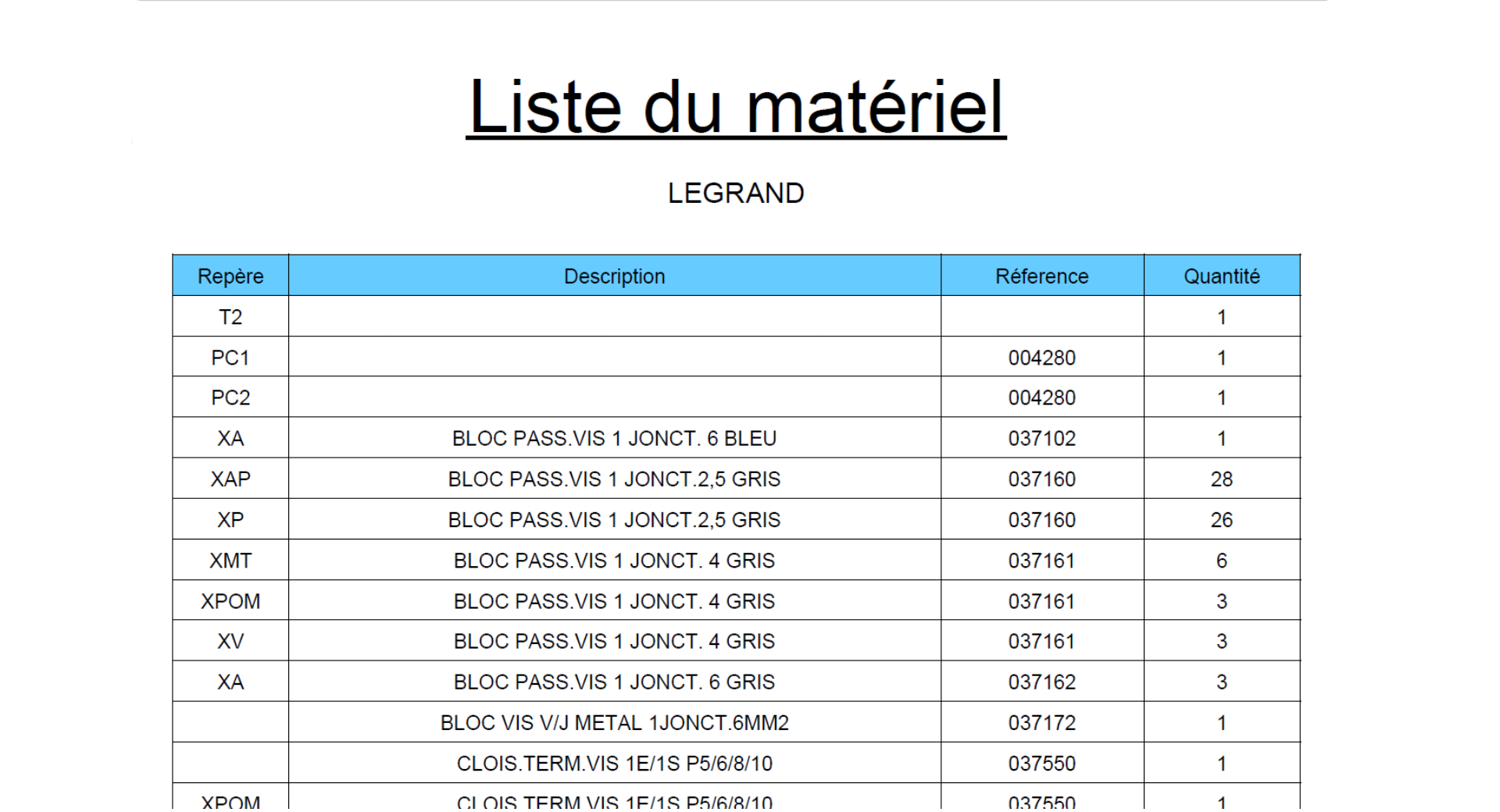
Parts lists SchemELECT
Parts lists SchemELECT — full screen

They use SchemELECT

Loading…

Answers to your questions

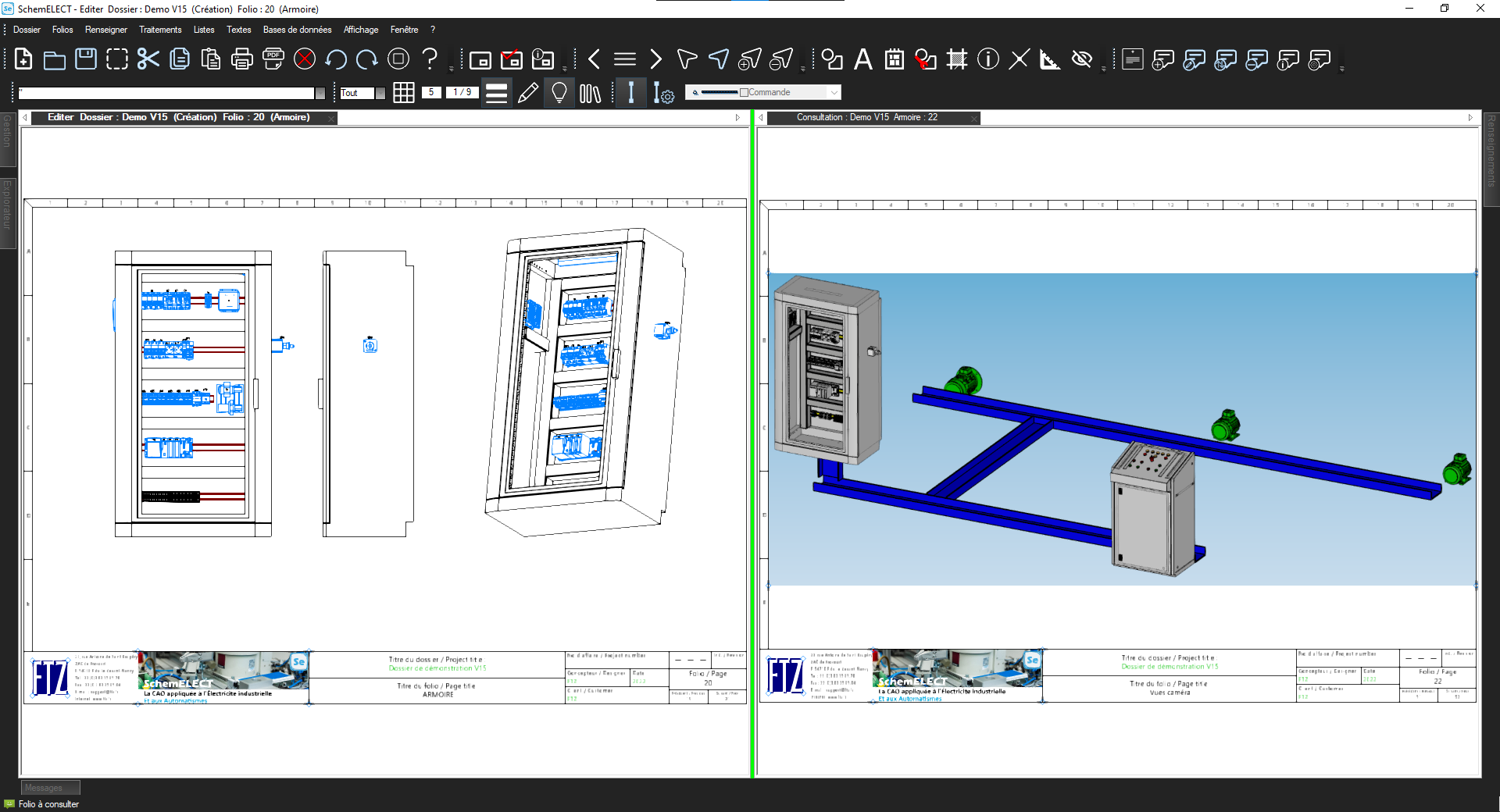
SchemELECT has 2 levels of wiring depending on the degree of precision required: the "CABI" module allows cabinet layout in 2D1/2, and the FTZ-Panel 3D product manages cabinet layout and wiring in 3D.

  • Processor: Intel i5 or i7
  • Operating system: Windows 7 or 10 (64-bit)
  • RAM: 8 GB or more
  • Storage: 500 GB hard disk or 256 GB SSD
  • Graphics card: AMD ATI R7 240 or Nvidia GT740
  • Display: 22″ to 24″ screen, 1920×1080 resolution or higher

SchemELECT software can be used on a macOS computer using a Windows virtual machine or via the gateway available on the latest versions of macOS.

Yes, our software offers PLC board integration, with automatic installation of connection boards and management of a PLC database.

SchemELECT can be used to create the electrical diagram of a photovoltaic installation. The calculation part specific to photovoltaics must be carried out using a third-party product.

Yes, wires can be numbered manually, by incrementing, or using the automatic numbering function.

SchemELECT supports various worldwide standards such as IEC, ISO, ANSI, JIS, BS, and more.

Yes, SchemELECT comes with libraries of many pre-established and customizable symbols. You can also create your own libraries to enhance your working environment.

SchemELECT integrates hundreds of thousands of components such as: Abb, AMI, Baco, Balluf, Banner, Beckhoff, Citel, Comat, Crouzet, Danfoss, Eaton Moeller, Ferraz, Festo, Finder, Fuji Electric, General Electric, Hager, Harting, Hyundai, Idec, Ifm Electrotechnics, ILME, Legrand, Lemo, Lenze, Leroy Somer, LS Electric, Misumi, Mitsubishi, Molex, Murrelektronik, Nidec, Noark, Nvent Hoffman, Omron, Panasonic, Pepperl Fuchs, Phoenix Contact, Pilz, Planet Wattohm, Rittal, Rockwell, Schmersal, Schneider, SEW Eurodrive, Siemens, SMC, Socomec, Sofrel, TE Connectivity, Terasaki, Unex, Wago, Weidmuller, Yaskawa, Yokogawa, Zenergy, and more. These databases can be edited, and SchemELECT allows you to integrate your own databases and specific features.

Take action

Ready to try SchemELECT?

Request a personalized SchemELECT demo or simply get in touch with an FTZ expert to learn more. We tailor our response to your industry and your existing tools.


Qualiopi La French Fab