画期的な盤3Dレイアウト設計用
CADソフトウェアー

FTZPanel3D

FTZ-Panel 3Dページ

3D盤設計に最適な
CADソフトウェアー

盤の仮想3Dモデル

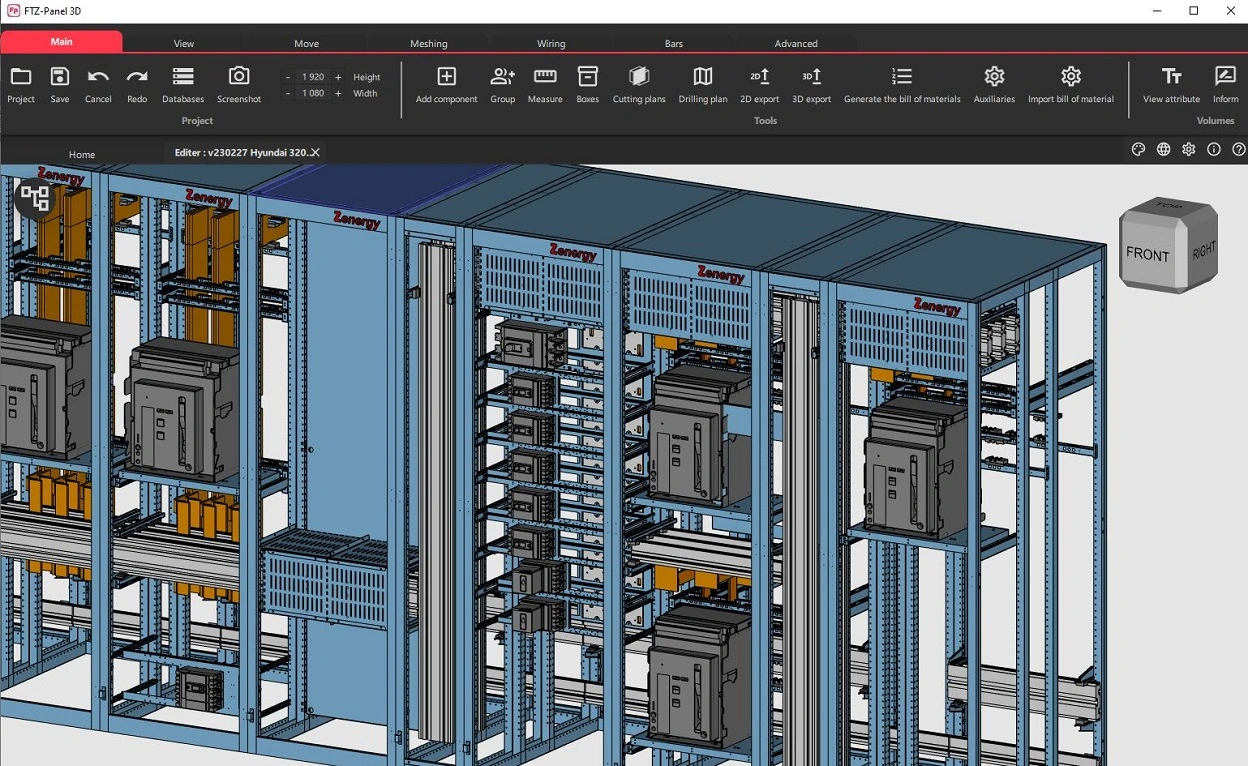
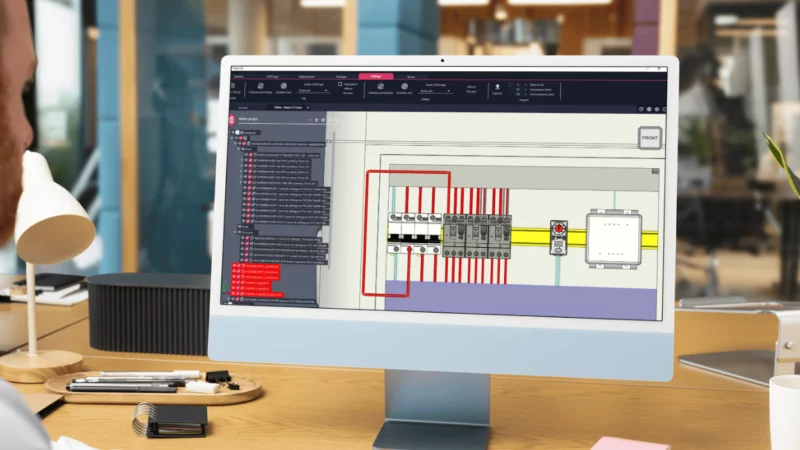
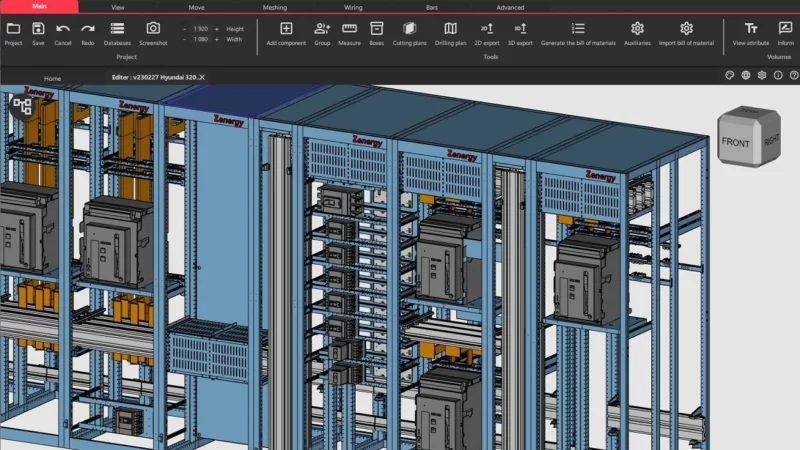
FTZ-Panel 3D は画期的な盤3Dレイアウト設計用CADソフトウェアーです
各種盤のリアリズムに優れた設計環境を提供します・・・

バスバーシステム

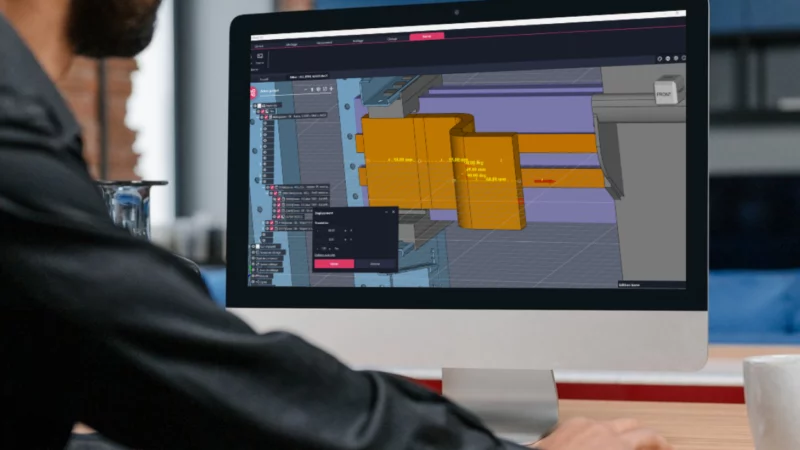
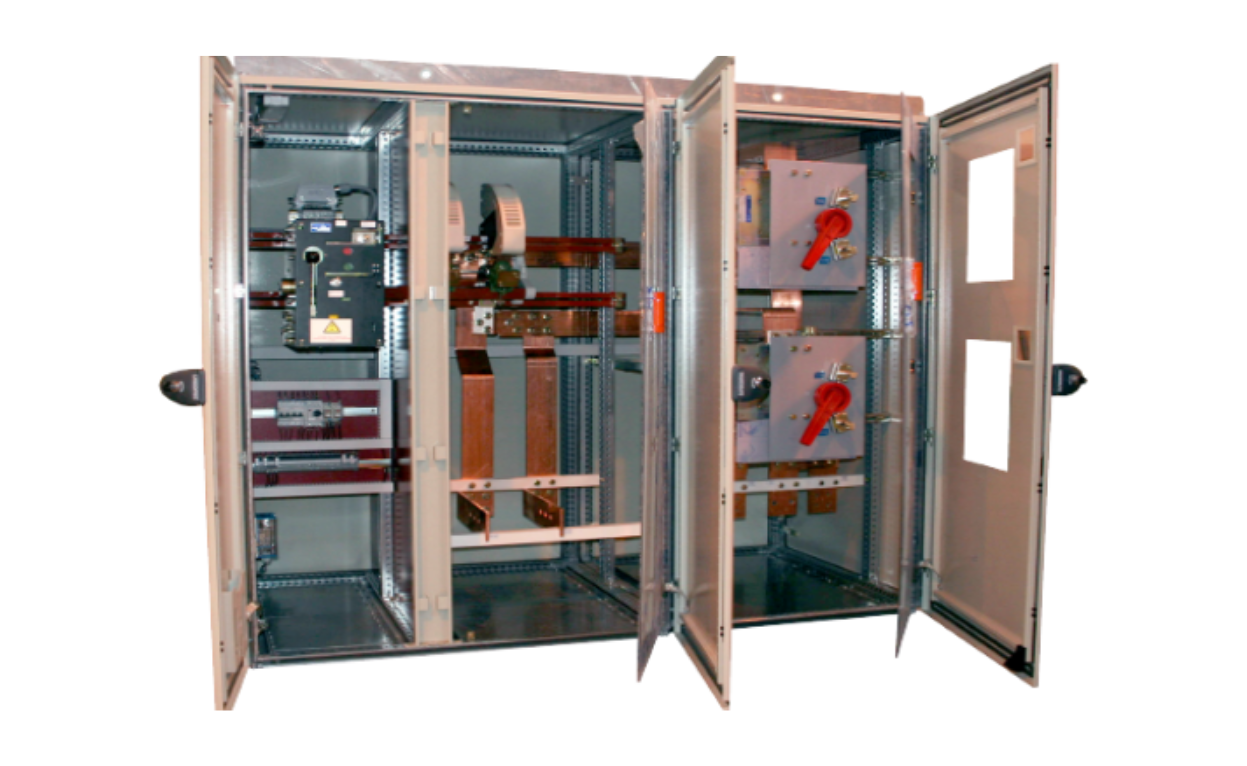
FTZ-Panel 3D はスイッチギアなどの盤仮想3Dモデルにバスバーシステムの銅バーの実装機能を標準搭載しています・・・

仮想配線ルーティング

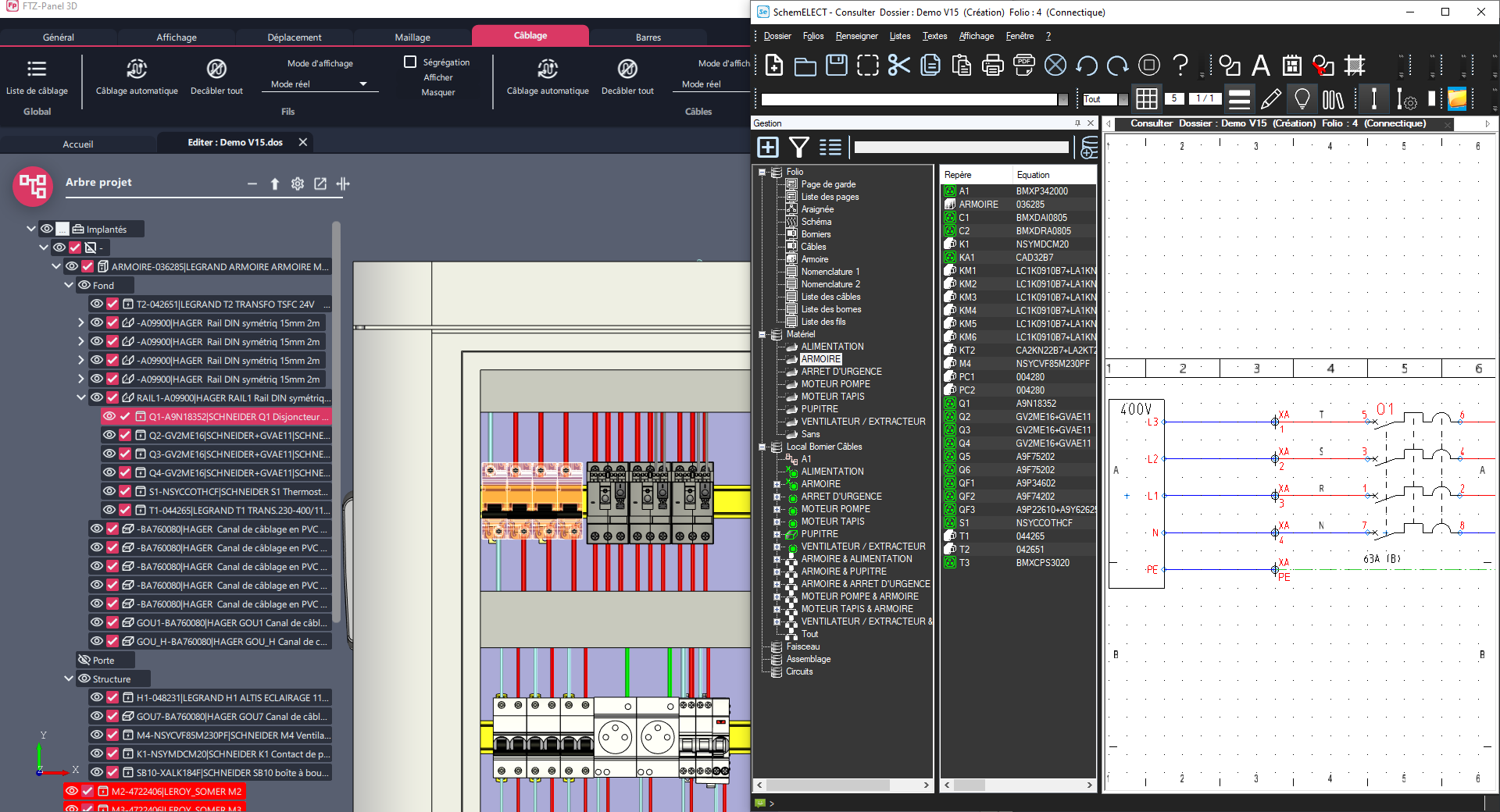
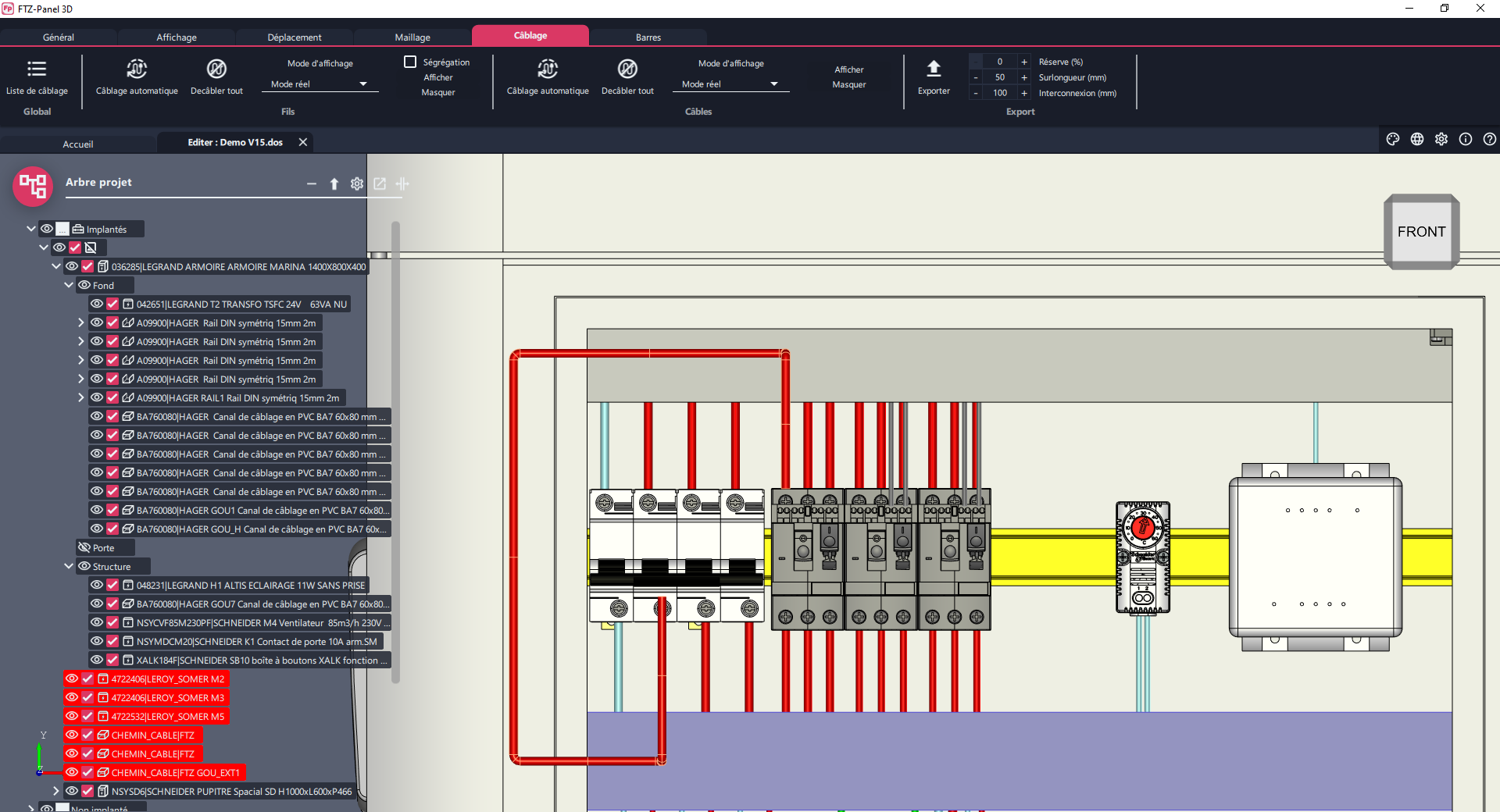
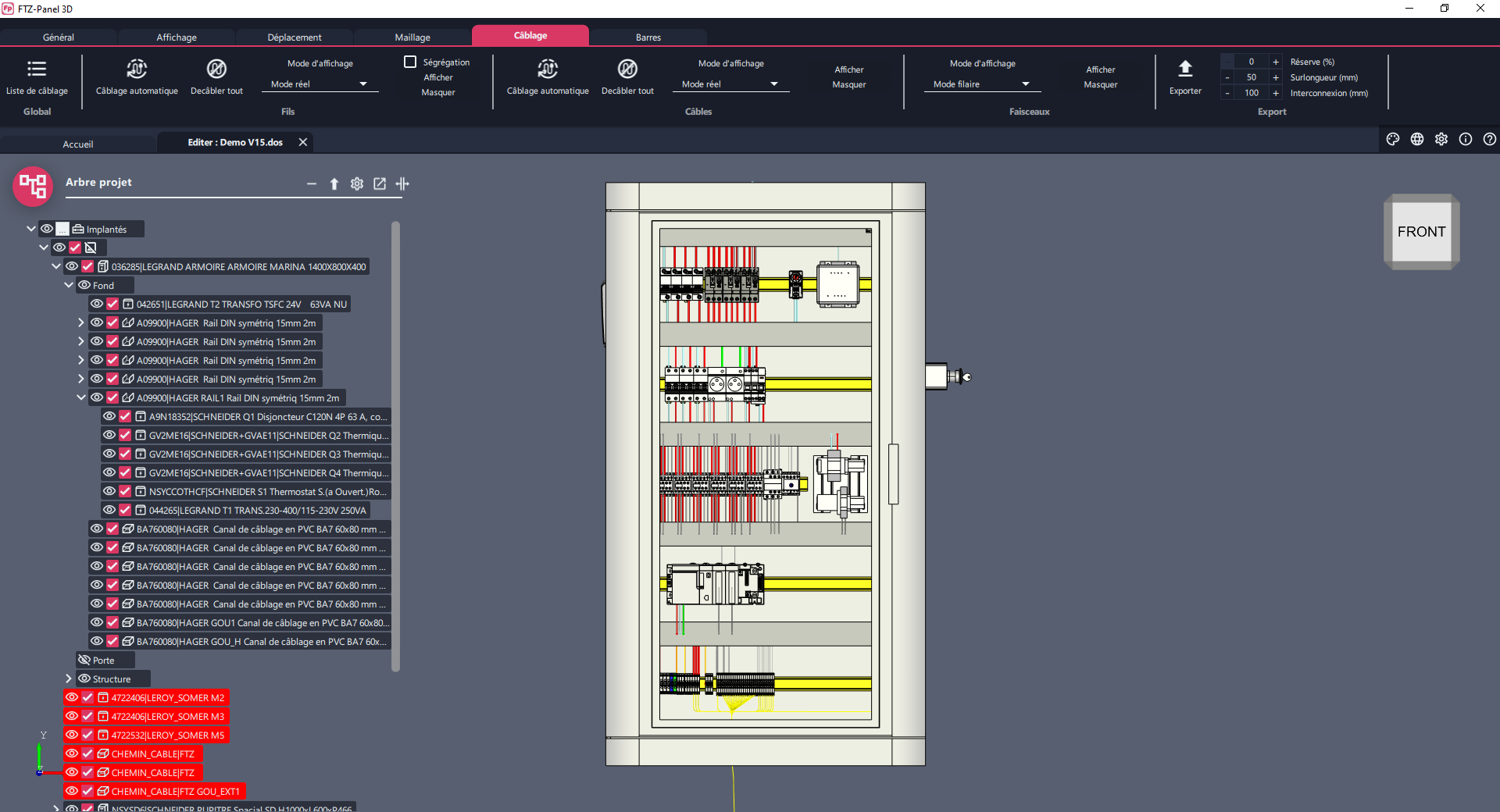
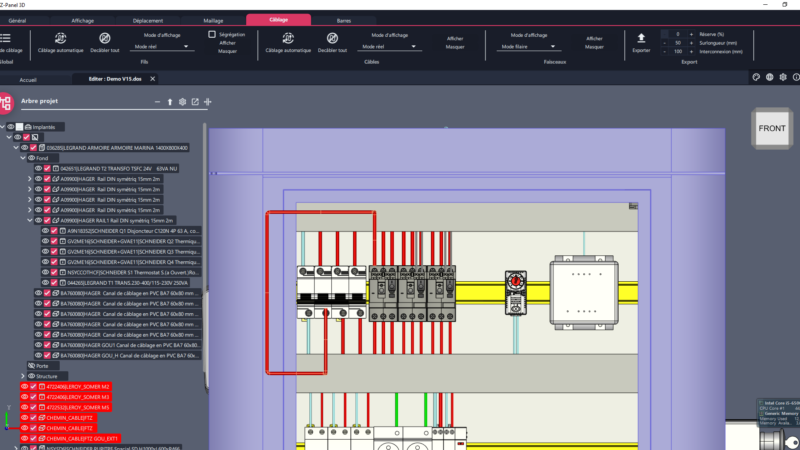
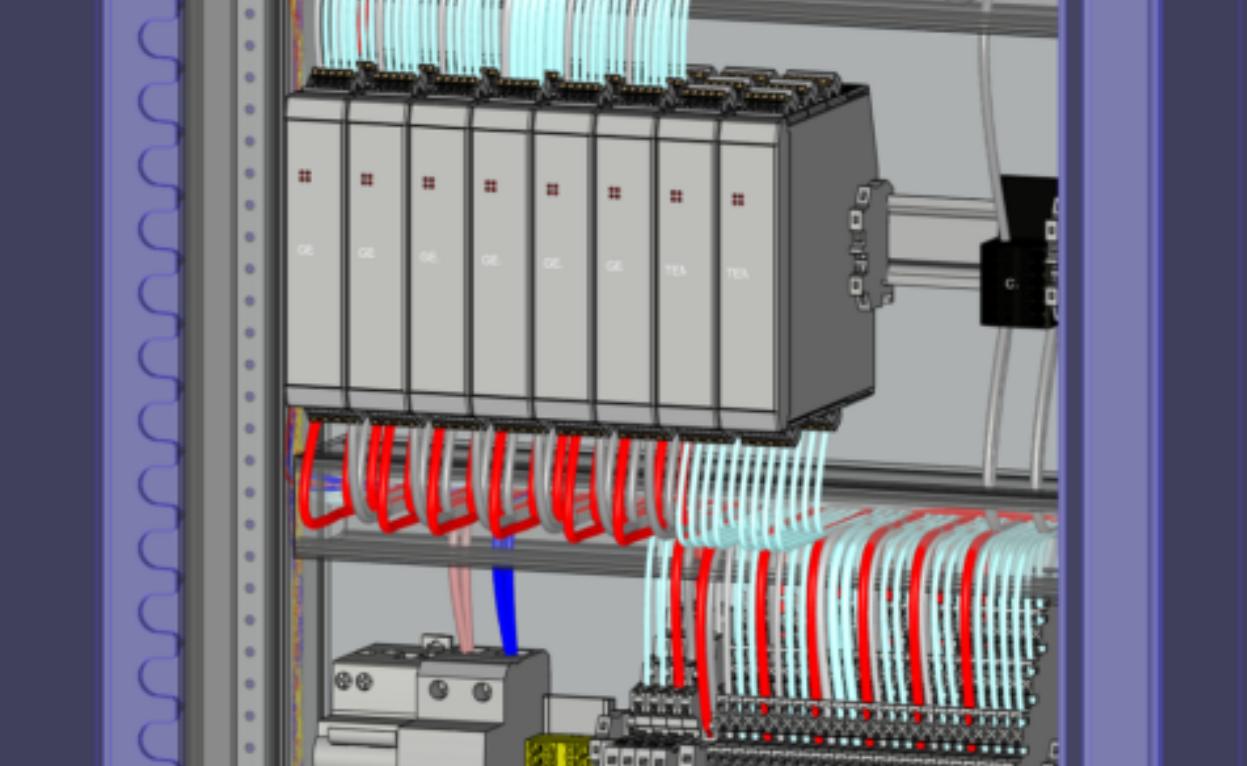
FTZ-Panel 3D は回路図のワイヤーリング情報に基づき、最適な仮想配線自動ルーティング機能を搭載しています・・・

盤の仮想3Dモデル 組み立て

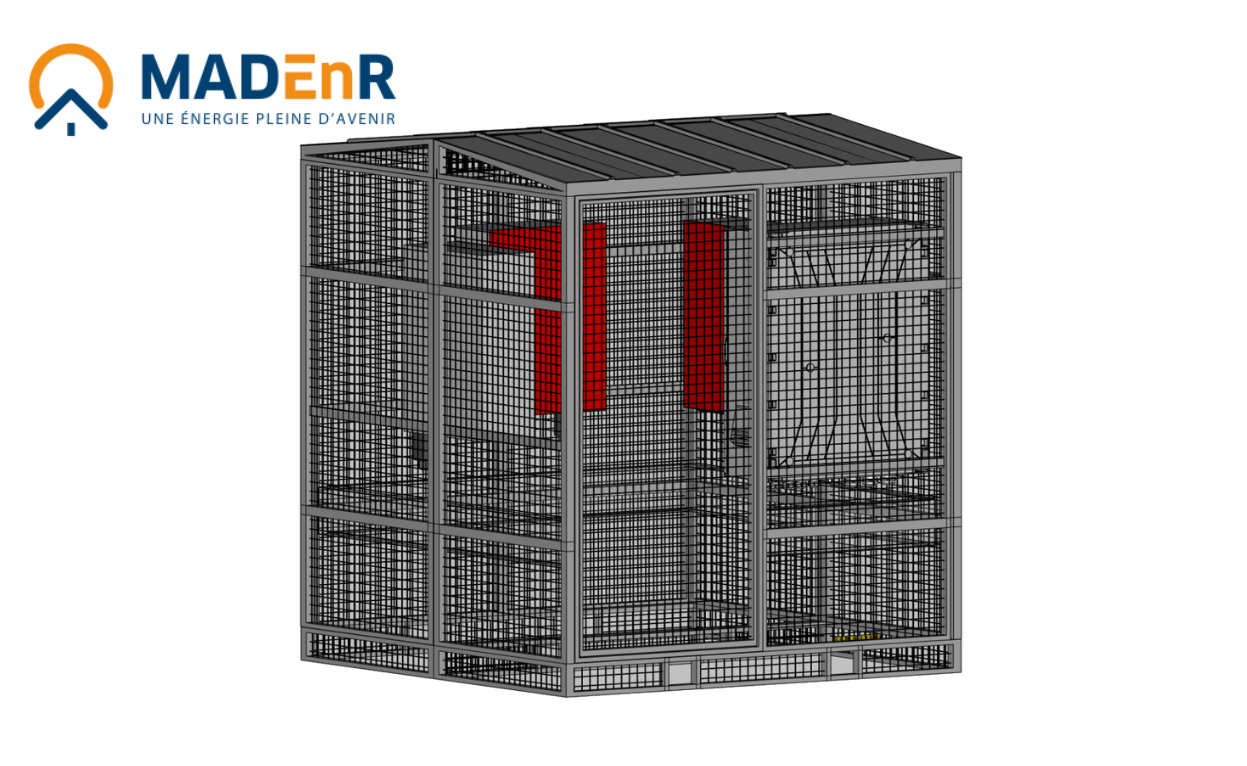
FTZ-Panel 3D は、電装板、レールや他の板金を含むモジュール型盤にも対応しています・・・

部品表と帳票類

FTZ-Panel 3Dは回路図の部品情報に追加コンポネントの筐体、レール、ダクト、銅バーなど
の集計を行い、帳票類に情報付与します ・・・

FTZ-Panel 3Dの製品機能紹介動画

その他の機能

armoires électriques 5

マクロ言語

FTZ-Panel 3D は自社仕様のコンフィギュレーターを
実装できるマクロ言語を搭載しています・・・

armoires électriques 6

CNインターフェース

FTZ-Panel 3D はNC加工機や電線剥き機とデータ連携できます・・・

armoires électriques 7

実践的アルゴリズム

FTZ-Panel 3D は実践的アルゴリズムを用いて、仮想配線の正確な自動ルーティングと配線長を保証します・・・

armoires électriques 1

付加価値創造

操作性に優れたFTZ-Panel 3D の操作取得は迅速に行えます・・・

お客様の声

お問い合わせはこちら

Volumes are usually available directly from manufacturers’ websites. They can also be easily modelled using 3D mechanical CAD software.

FTZ-Panel 3D is completely self-contained. It also has built-in functions to simplify 3D volumes if required.

Yes, it’s perfectly possible to create an enclosure layout without a diagram by importing a bill of materials or loading the components.

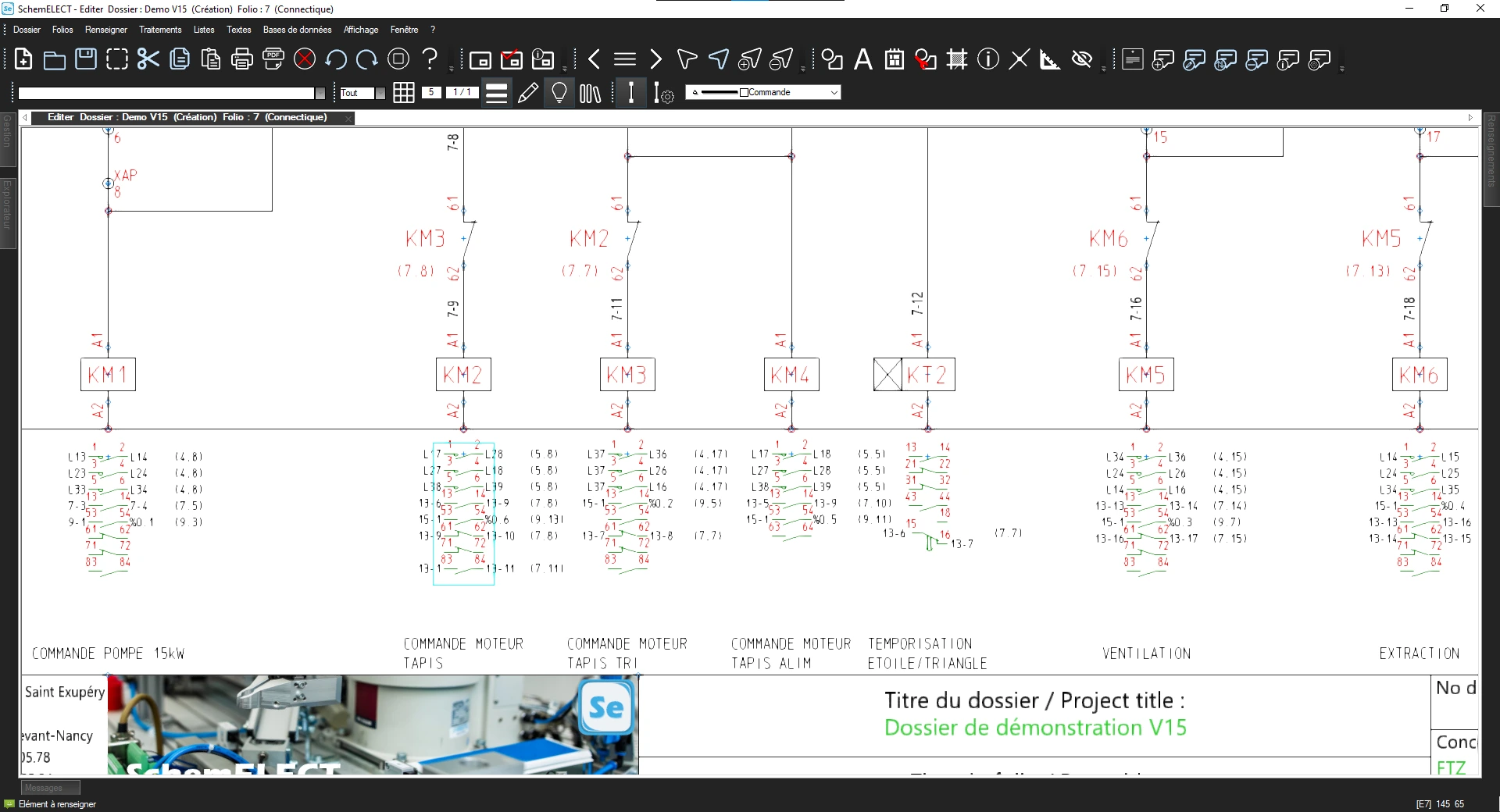
Most of the time, the list comes from the SchemELECT schematic CAD software, defined on the basis of the electrical diagram. You can also import a list of equipment if you don’t want to create the schematic.

Yes, snap handles can be used to create a magnetic effect in the 3D view for simplified positioning. Additives are also managed to facilitate their placement in relation to the main component.

Yes, there is a function to control collisions, guaranteeing quality assembly.

Yes, FTZ-Panel 3D can be used to manage several cabinets as well as external equipment. It manages the entire installation, including cabinets, motors, consoles, etc.

Yes, the user can define the drilling plans. These plans can be used in the workshop via CNC machines.

Yes, dedicated functions can be used to define copper bars in 3D. Using the bending database, FTZ-Panel 3D automatically generates the corresponding bending plans.

Yes, the software allows you to calculate the actual lengths of wires and cables precisely, which makes it easier to prepare the wiring, optimises assembly time and ensures that the same wiring is used in the same cabinets.

Yes, the user defines the paths at the time of installation. The software then automatically generates the wire paths, which can be adjusted if required.

Yes, FTZ-Panel 3D generates a list of wires and cables with their actual lengths, compatible with automated cutting machines.

No, FTZ-Panel 3D is not just for panel builders. It is also used by companies wishing to obtain a realistic view of their enclosures in 3D, such as engineers, design offices and installers.

Yes, once the layout has been completed in FTZ-Panel 3D, the FTZ-Wiring Assistant software takes over and supports the assembly of components and wiring in the workshop.


お問い合わせ