Quick and customized device installation or identification with SchemBAT
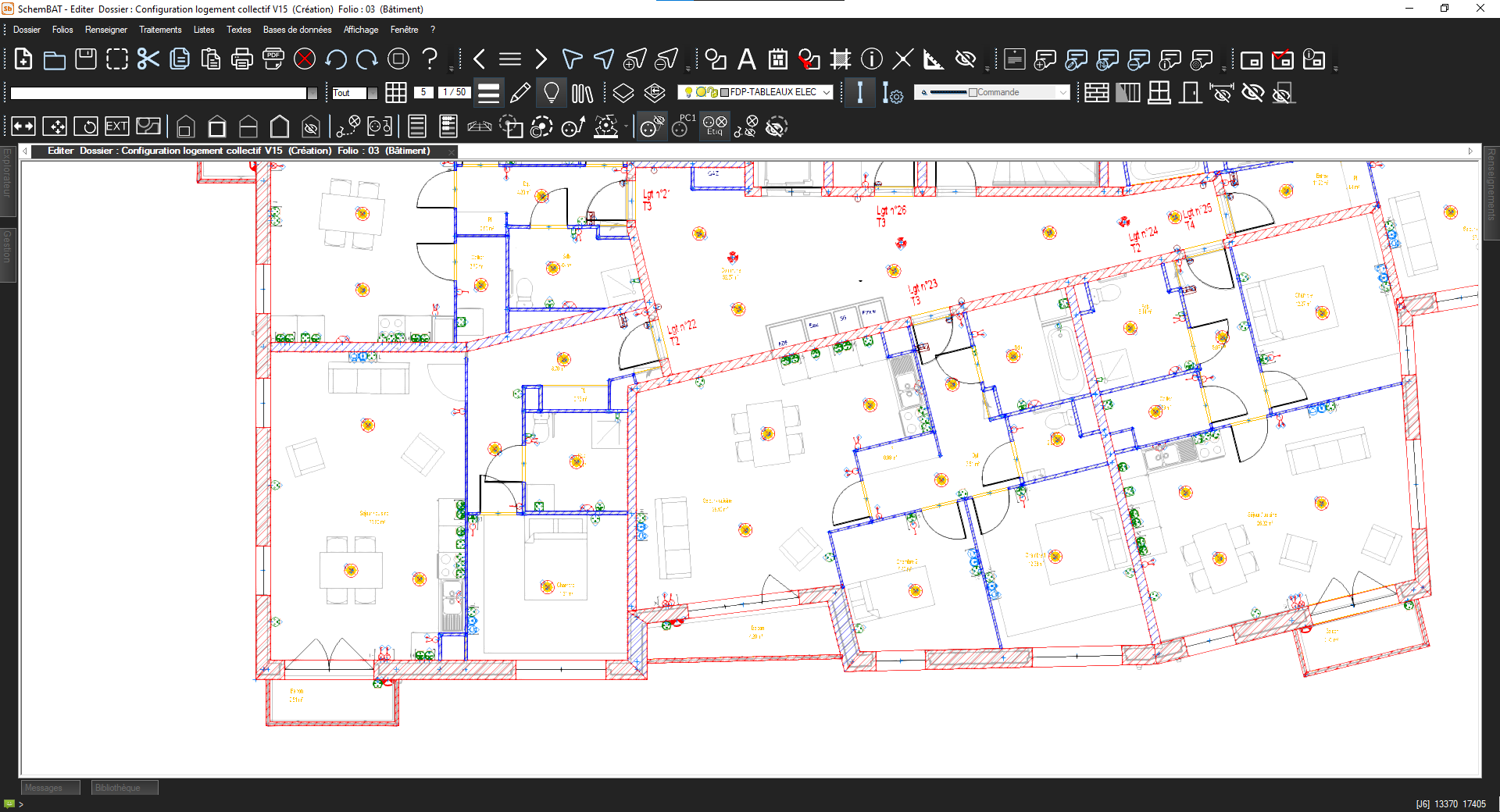
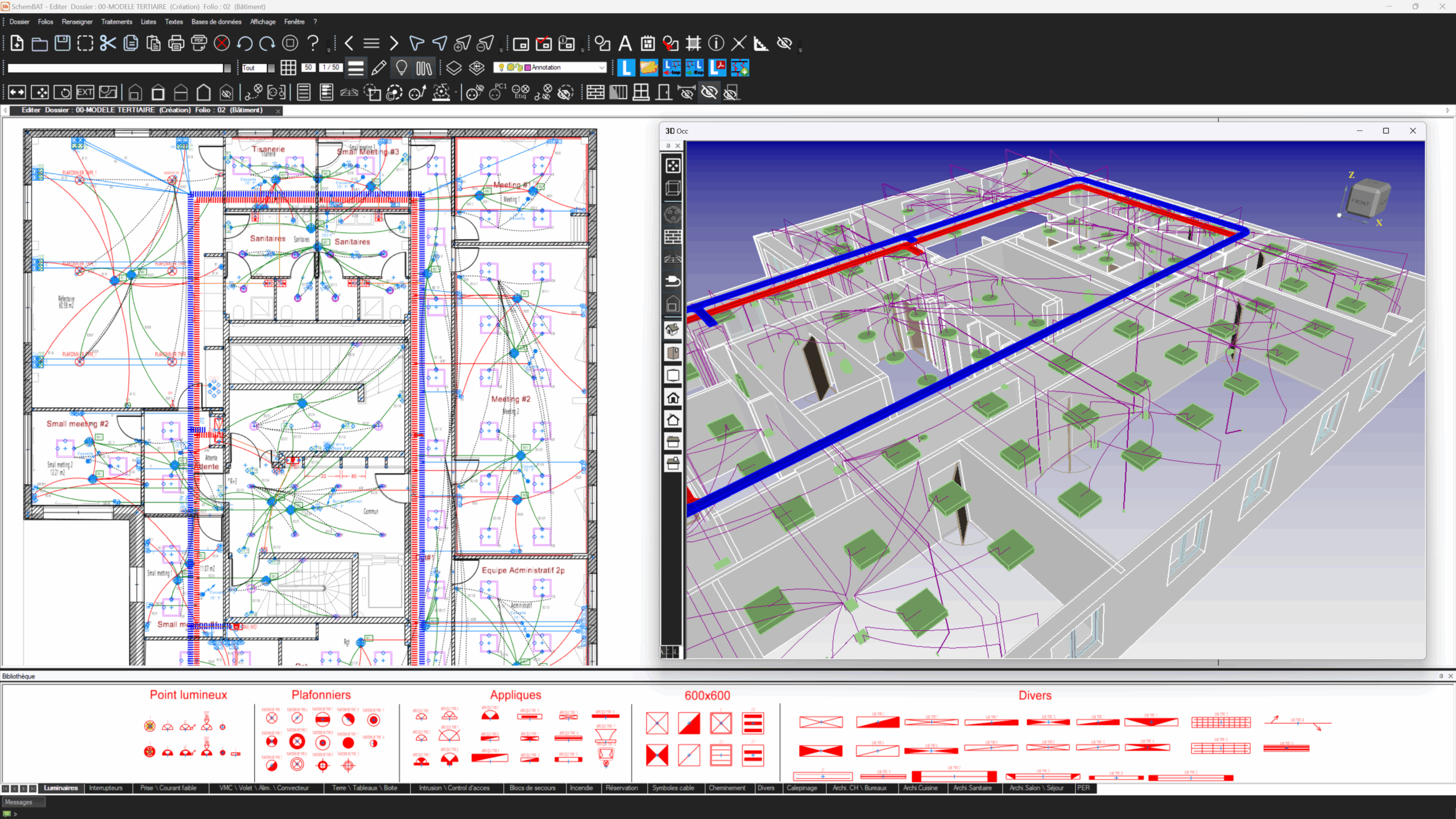
SchemBAT facilitates electrical layout and identification with an intuitive and customizable solution. Upload your AutoCAD™ (DWG format), BIM (IFC or REVITTM format), or scanned (PDF format) plans in just a few clicks. Use the graphic editor to create customized layout plans. Easily place or identify various high- and low-voltage devices, panels, boxes, and cable trays. Graphically wire lights, outlets, and panels with ease. Assign elevations, make quick changes, and automatically generate legends.
View your layout in 3D.
SchemBAT also includes dimensioning tools, in particular the automatic dimensioning function for the entire plan. This allows you to position your equipment precisely and very quickly
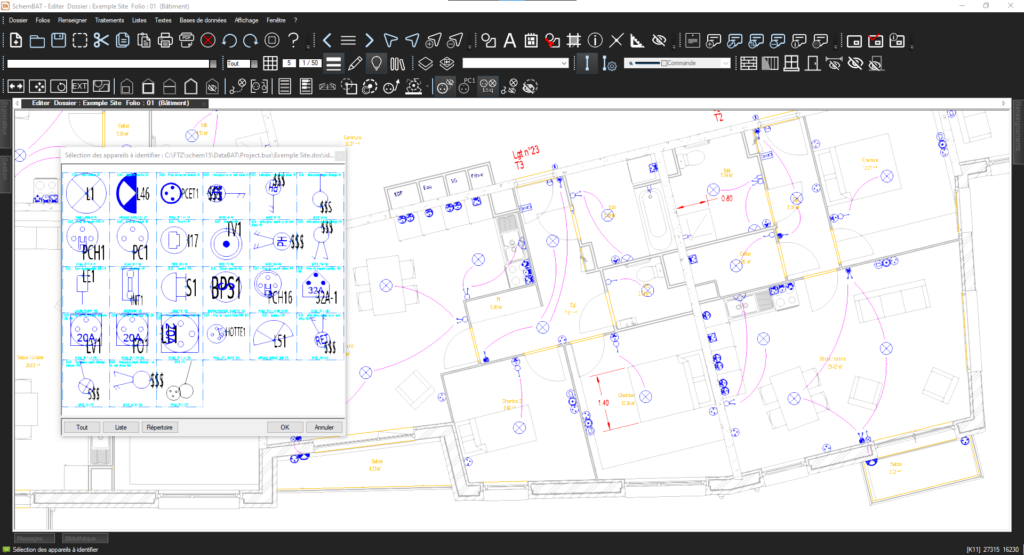
Fast, time-saving block identification with SchemBAT
The graphics editor, with its geometry and text functions, produces layouts that comply with project requirements. The projection of walls, including prefabricated walls, provides a layout that accurately reflects the reality of the building and simplifies installation.
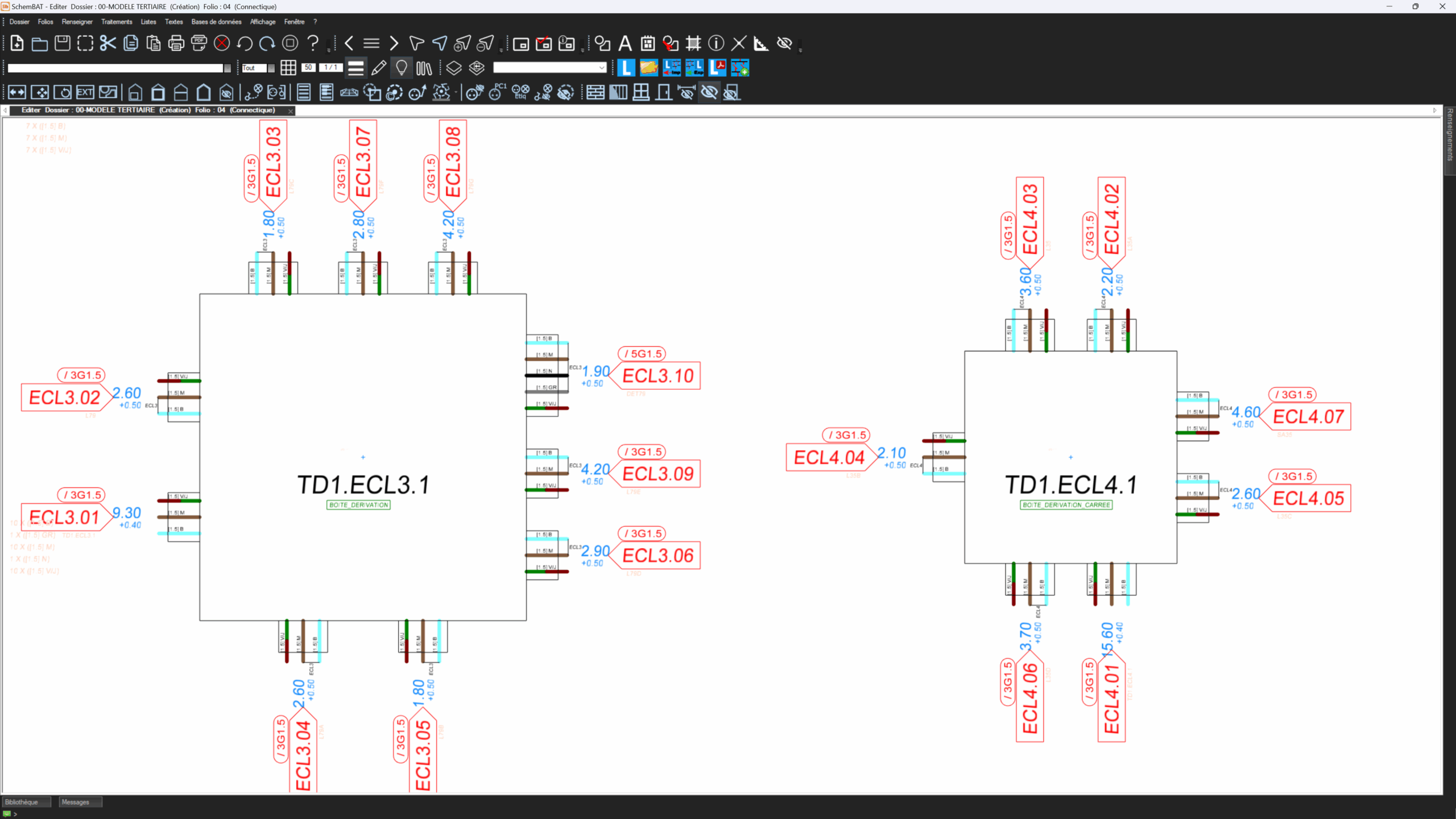
SchemBAT simplifies the layout and identification of blocks on your AutoCAD™ or BIM background plans. Assign each block a custom identifier. Organize your plans more easily and manage your elements better. Use these blocks as SchemBAT devices for wiring. Automate design and documentation effortlessly. Reuse identifiers to save time on each new plan. Improve your productivity on all your electrical projects.
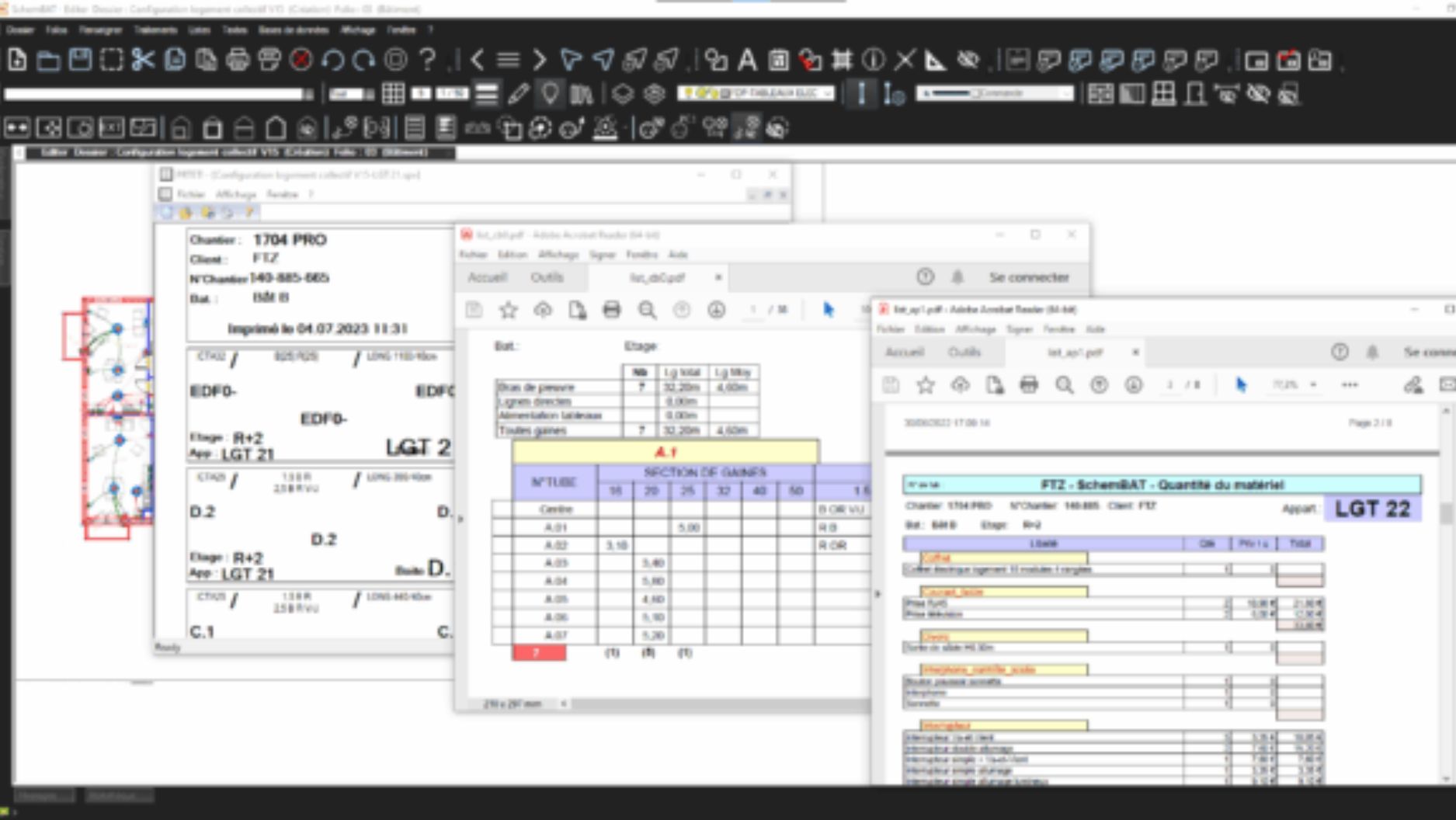
Quick and easy electrical list management with SchemBAT
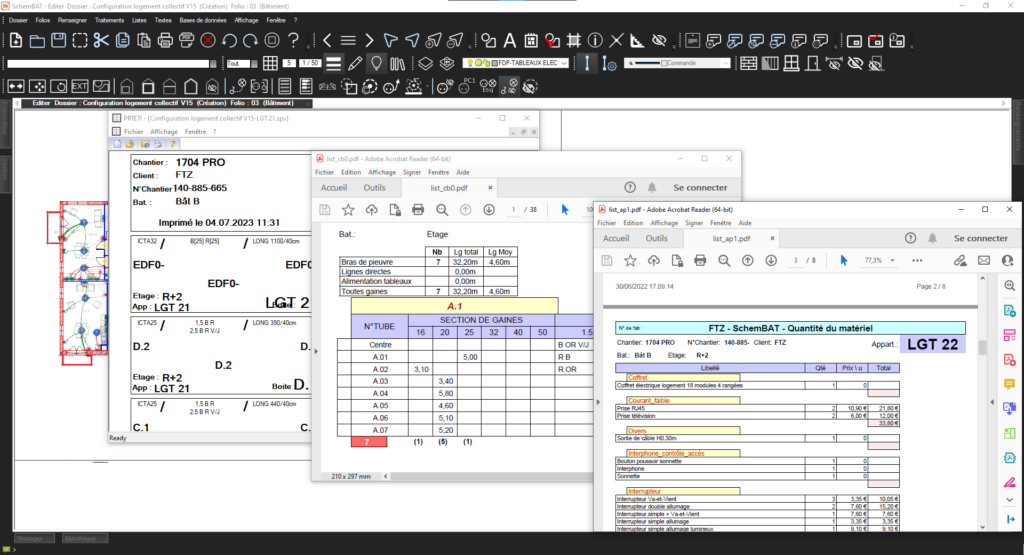
With SchemBAT, create custom lists for quotes, purchases, or projects. Easily generate lists of devices, cables, terminal blocks, labels, etc. Customize each list according to your specific needs. Export your data to PDF, Excel, or other common formats. Use an intuitive interface to manage everything with ease. Track your projects accurately and in accordance with electrical standards. Save time with automatic export and avoid manual data entry. Collaborate easily with your team thanks to centralized data management.
Clear, customised automatic legend with SchemBAT
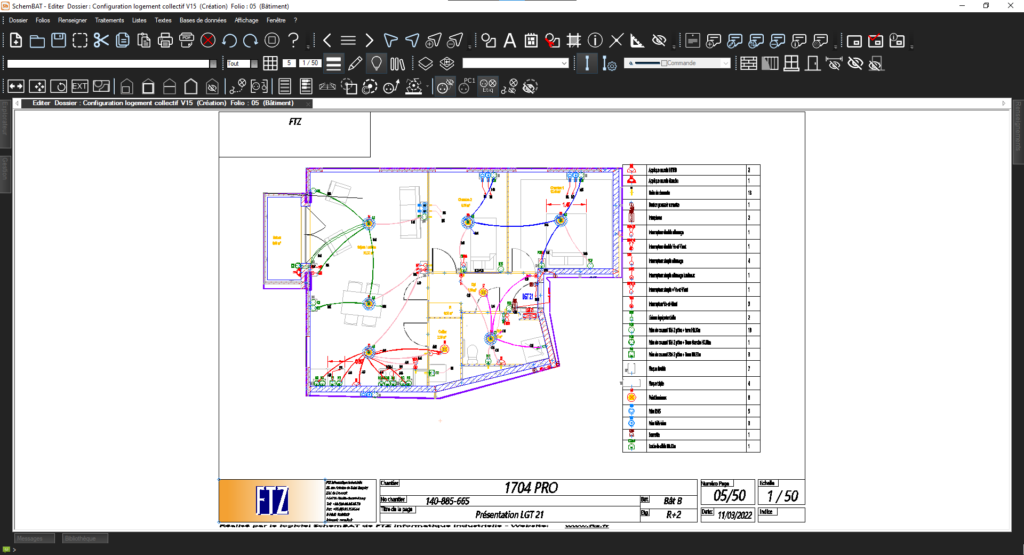
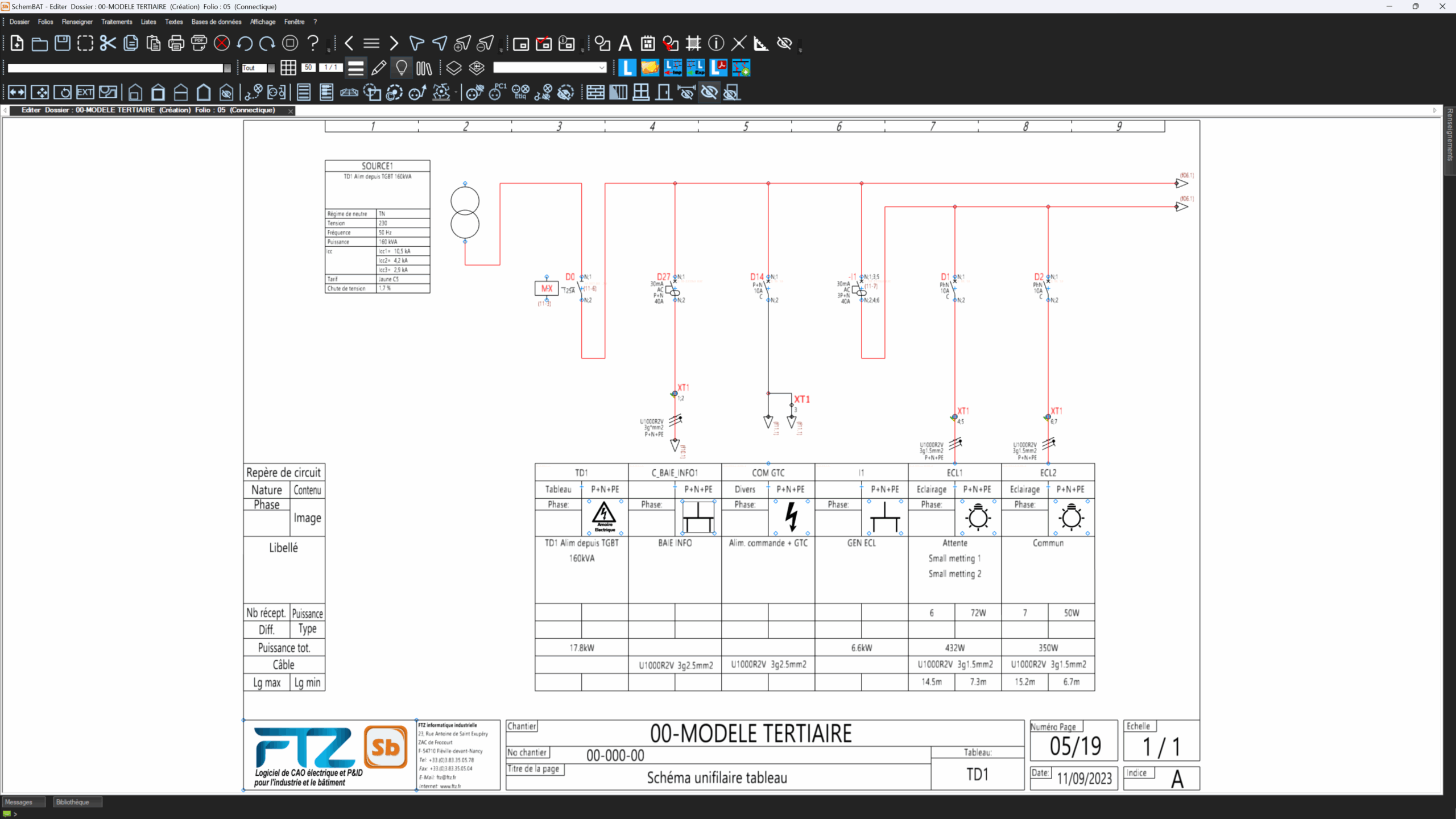
With SchemBAT, you can automatically generate legends from a comprehensive database. Each device on the plan is linked to specific information: name, reference, description, etc. SchemBAT extracts and structures this data effortlessly. You avoid manual creation and save valuable time. Your legend remains consistent and faithful to your layouts. SchemBAT adapts to all your formats: AutoCAD™, BIM, or manual layout. You get an accurate, customized, and professional legend for each project.
製品詳細
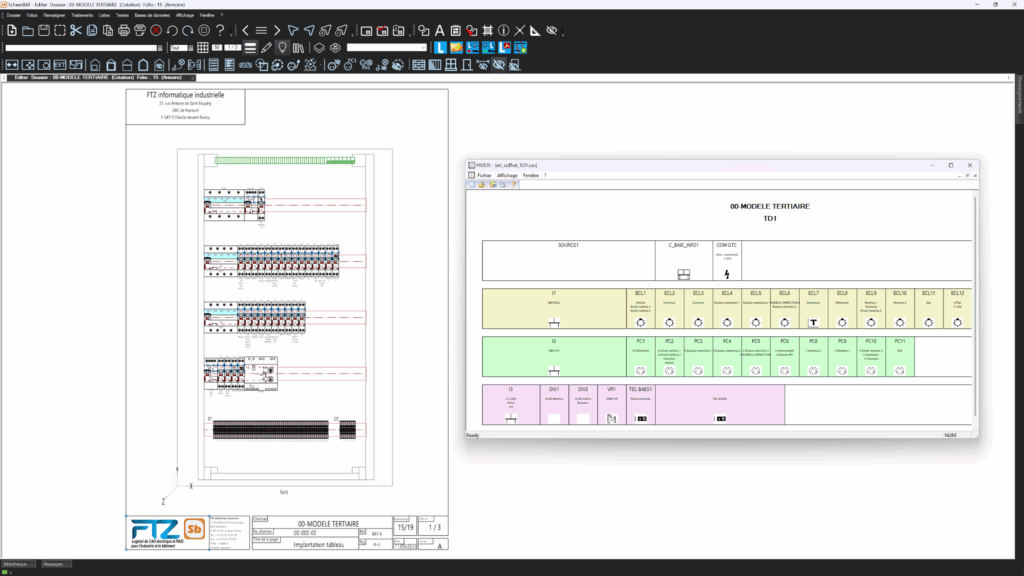
Cabinet installation
SchemBAT offers complete cabinet integration, taking into account major suppliers such as Legrand, Schneider, and Hager.